Define the Change Before Choosing a Mode
Genjutsu is presented by Higgsfield as a video-transformation workflow. Begin with the actual task: transfer an action into a new scene or change a selected element in existing footage. These goals need different source and review decisions.
The provider's Genjutsu page distinguishes Motion Transfer and Object Swap. Treat those as external product modes and check the live workflow for supported inputs rather than assuming equivalent controls exist in MOVO.
The MOVO composer above starts original scene planning. It does not submit a Genjutsu job, replace an object in an existing clip or transfer motion from a reference video. Keep those operations separate from the new creative brief.
Write What Must Stay and What May Change
Record the source action, camera, timing and meaningful interactions. Then identify the intended change, such as a fictional character, a setting or a prop. A clear separation helps prevent an attractive result from changing more than the project wanted.
Choose references with specific roles and use material appropriate for the task. A character image can explain appearance, while a location reference supplies setting. Keep the accepted versions together so the instructions do not drift between alternatives.
Avoid asking for several unrelated transformations in the first test. A focused change makes it easier to judge preservation of the rest of the shot. Expand the brief only after the central operation has a useful reviewed result.
Test Difficult Motion and Interactions
Select a passage with representative turns, occlusions and object contact. A still, centered subject may not reveal how the process handles a hand passing behind a prop or a character turning away from the camera.
Watch the complete transformed clip at normal speed and compare it with the source. Check the action's direction and timing, subject form and relationship to the environment. Pause at difficult moments, then replay them in context.
Do not assume a successful upload or polished first frame proves the intended transformation. If the result loses the important gesture or changes the scene's meaning, revise the source, reference or mode rather than adding more decorative style instructions.
Review Generated Changes as Creative Material
Inspect shadows, reflections and contact with surfaces after a subject or location changes. A clean contour alone may not make the new element belong in the scene. Review the complete image and motion rather than only the edited region.
Treat newly generated details as interpretations. A plausible replacement does not prove a real person, product or event appeared in that footage. Preserve the original when the project needs a record of what was actually captured.
Check any sound and exact text separately. A visual transformation does not establish correct audio, captions or unchanged labels. Use suitable finishing controls and compare the saved result against the approved project requirements.
Create New Supporting Shots in MOVO
When the story needs an additional original shot, describe it directly in MOVO with the subject, action and intended visual direction. Repeat important continuity details instead of assuming an external transformation job shares context with the workspace.
Review accepted scenes together and finish precise sequence timing, text and sound separately. No automatic connection to a Genjutsu account, job history or reference library is established by this page.
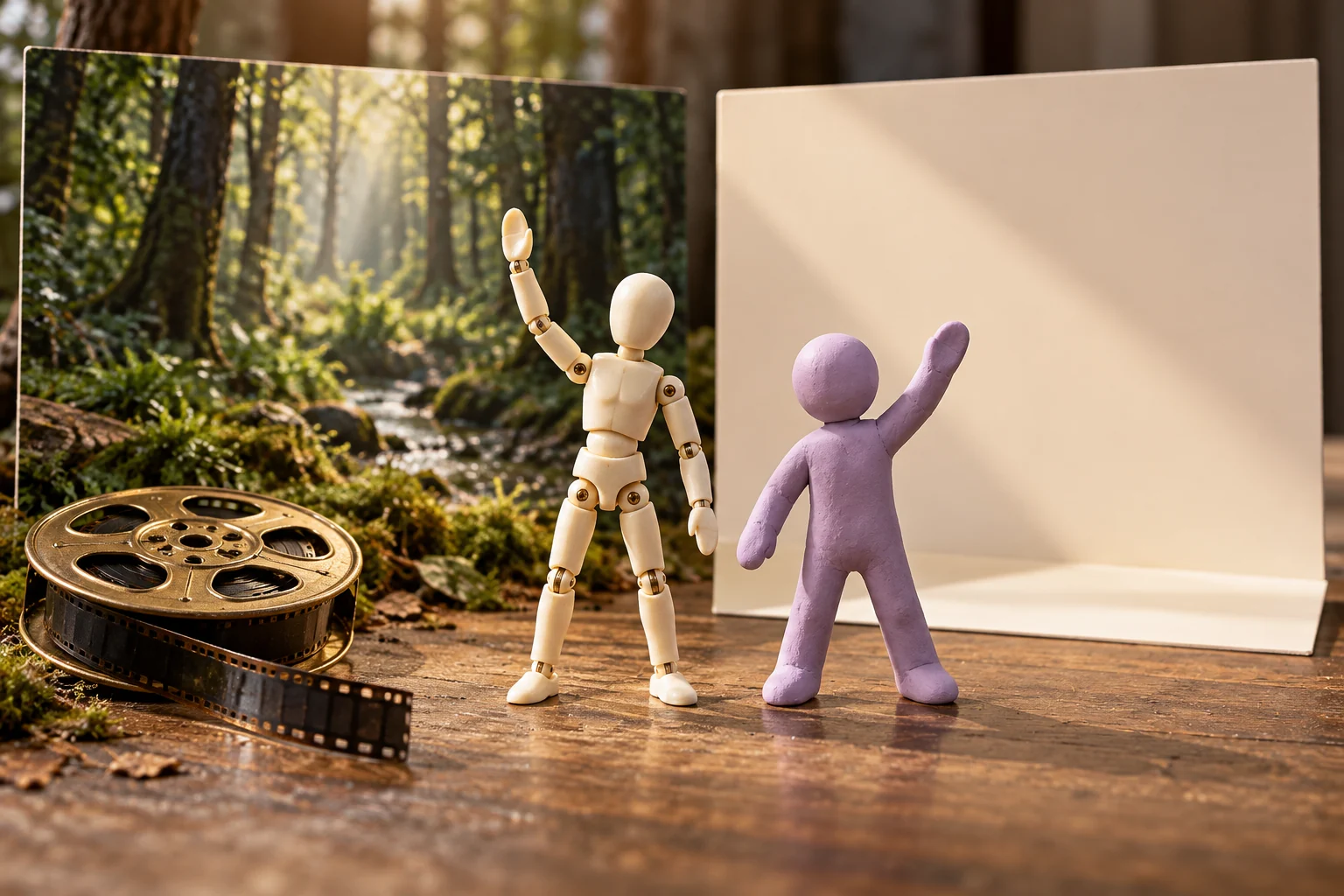
Retain the source footage, reference roles, external processing notes, accepted result and final assets. The two figures and backdrop cards shown here are original conceptual artwork, not a tested transformation benchmark or proof that a motion-transfer operation completed.
Frequently Asked Questions
Does MOVO run Genjutsu through this entry?
No. It starts an original scene brief without establishing that external integration.
What should I decide before processing a clip?
Which element or action should change and which source properties must remain.
Are Motion Transfer and Object Swap identical tasks?
No. Check the actual provider modes and intended result.
Which passages make useful tests?
Representative movement, turns, occlusions and meaningful object interactions.
Does a plausible transformation prove a real event?
No. Treat generated changes as creative interpretations and preserve original evidence separately.
Are the figures a tested before-and-after?
No. They are independent original conceptual artwork.