Decide Why the Image Needs More Space
Expand image can mean adding canvas, changing framing or generating new visual context beyond the original border. Identify the actual need first. A title area, a wider scene or a different aspect ratio can require different treatments.
Keep the original picture and mark the important subject. Decide which details must remain accurate and which new surroundings can be imagined. That distinction is especially useful when the source depicts a real place or product.
The MOVO input above develops an original wider composition. It does not extend the pixels of an uploaded file or promise exact preservation of the source. Use a suitable dedicated expansion or compositing tool for that operation.
Choose Between Canvas, Crop and Generated Context
Adding plain space can be enough for a graphic layout. Cropping chooses a smaller part of the existing picture. Generated expansion creates new content outside the border. These are distinct decisions even when a tool presents them in one workspace.
For a lighthouse near the edge of a portrait image, a wider scene may benefit from additional coastline and sky. If exact geographic detail matters, obtain an appropriate original source rather than treating generated surroundings as recovered evidence.
Write the intended composition before processing. Keep the lighthouse's scale and visual role clear, and decide where captions or other exact elements will be added later.
Inspect the Boundary and the New Environment
Compare the source region with the candidate. Check whether important structures, reflections or subject details changed. A larger picture can look convincing while altering a feature the project needed to retain.
Inspect the join between original and generated areas. Look for inconsistent horizon lines, repeated objects, impossible perspective or light that changes direction. Review at the size required for the final composition, not only as a small thumbnail.
Keep the acceptance criteria specific. A useful expansion should serve the intended framing and preserve the important message. Extra scenery alone does not establish a better result.
Use the Dedicated Image Expansion Tool for Its Workflow
Higgsfield's expand-image page describes external generation around an image's existing borders. Review current file support, account requirements and output behavior directly. Its preservation wording is not a MOVO capability or an exact-pixel guarantee.
Test a representative image containing the difficult boundary or subject. Save the result and compare it with the original. Check the actual dimensions and composition instead of assuming a requested ratio was applied as intended.
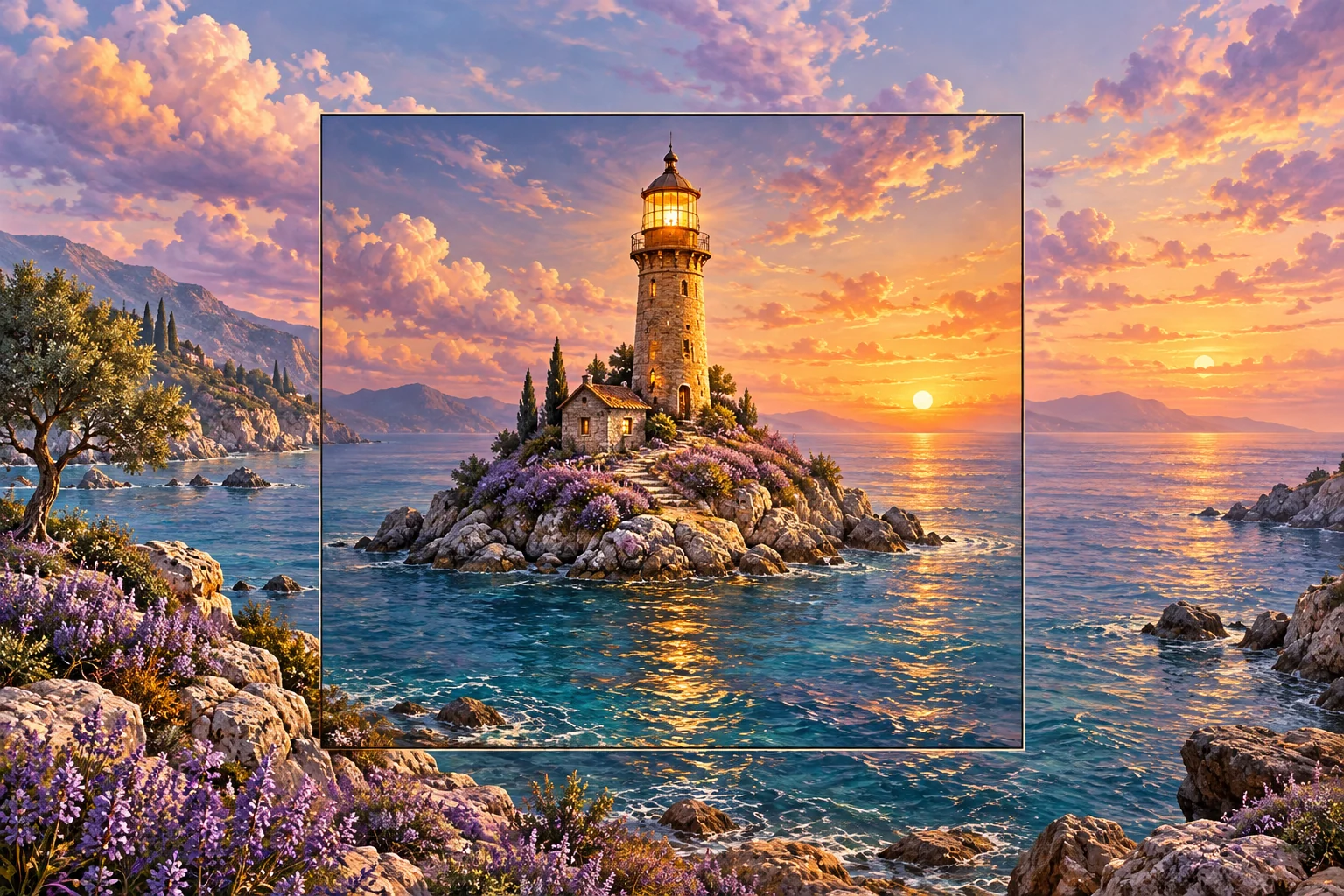
The lighthouse artwork here is original conceptual imagery with an indicated central region. It is not an actual uncropping test or proof that hidden original scenery was recovered.
Turn the Accepted Composition Into a MOVO Brief
Describe the original scene purpose, subject and visible action in MOVO. Use appropriate approved references and explain which relationships matter. A wider still can inform the setting without defining the motion by itself.
Review the full generated clip for subject continuity and readable action. Fine structures and distant scenery can change across frames. A successful still expansion does not prove that a later video preserves all details.
Use suitable compositing controls when exact original pixels must remain unchanged. Keep generation and precise source placement clearly distinguished in the production plan.
Review the Final Use and Retain the Source
Inspect the saved image or video in its actual destination crop. Check that the new space serves the design and that exact captions remain readable. Do not let an expanded background push the important subject too far from the viewer's attention.
Keep generated surroundings identified appropriately when factual context matters. An imagined coastline should not become evidence that the source camera captured that view. Visual plausibility and source fidelity are different requirements.
Retain the original picture, accepted expansion, reference notes and final composition. Those assets let you revise the framing without repeatedly generating around an already altered delivery copy.
Frequently Asked Questions
Does MOVO expand the image pixels in this entry?
No. It plans original composition; use a dedicated expansion or compositing tool for file operations.
Is generated expansion recovered scenery?
No. Newly generated surroundings are imagined content, not proof of what lay outside the source frame.
What should I check at the join?
Light, perspective, horizon, repeated objects and changes to important source details.
Is wider always better?
No. Choose framing that serves the subject, text and actual viewing context.
Can a still result prove video continuity?
No. Review the complete moving sequence separately.
What should I retain?
The original image, accepted expansion, reference notes and final composition.