Decide Whether the Blur Is Decorative or Protective
To blur video online, first define the purpose. A soft-focus visual treatment and a deliberate attempt to conceal information have different acceptance requirements. An effect that looks attractive can still leave details recognizable or visible in another frame.
The VEED blur-video page describes blur adjustments and filters in an online editor. Use an appropriate tool for the actual source footage and check the controls required for your task. A general effect description is not proof of reliable tracking or complete concealment.
MOVO's composer starts an original supporting-scene brief. It does not blur uploaded footage or redact personal information. Keep exact coverage and final-source inspection in a suitable finishing workflow rather than relying on the appearance of an illustrative scene.
Identify Every Place the Detail Appears
Review the source for the information you intend to obscure. A face, label or document may appear in several shots, in a reflection or in a picture within the picture. Mark the relevant passages before applying a local effect.
Check motion and changes in scale. A region that covers a stationary object can miss it when the camera moves or the subject turns. Use suitable positioning or tracking controls where available and inspect the actual coverage across the passage.
Do not assume a visual blur changes audio, captions or metadata. If the same information is spoken or written elsewhere in the deliverable, assess those parts separately. The scope of the actual edit should match the information you intend to remove.
Choose an Effect That Serves the Task
For a decorative background, adjust blur so the main subject remains readable and the scene's hierarchy is clear. Compare the result with the original at the intended viewing size. More intensity does not automatically produce a better image.
For concealment, choose a method that makes the relevant information unreadable in the actual output. If a soft blur leaves too much detail, use an appropriate stronger treatment or removal method through the finishing tool. Judge the result rather than the name of the filter.
Keep the original source separately and retain an editable project. Record which regions and time ranges were treated. A targeted correction is easier when the editor can identify the actual coverage decisions without rebuilding them from a flattened export.
Check Coverage Through Motion and Transitions
Watch the affected passage at normal speed and inspect difficult frames individually. Look at the first and last moments of the effect, rapid movement, scene cuts and transitions. A single exposed frame can contradict the intended concealment even if most of the clip looks correct.
Review reflections, overlays and cropped versions separately where they exist. A detail hidden in the main frame may remain visible in another element. Check the actual delivery composition rather than assuming one mask covers every appearance.
Inspect the saved export, not only the editor canvas. Confirm the effect survives rendering and that the correct version is being used. A successful export message does not establish complete coverage or make a privacy guarantee on behalf of the finished video.
Use Original Scenes Without Confusing the Effect
If the sequence needs a separate visual insert, describe that original scene in MOVO. A softly composed garden or abstract setting can support a mood without claiming to process or conceal details in real source footage.
Finish the original assets and edited source in a suitable project. Review captions, sound and the complete saved master. If the task requires verified concealment, base acceptance on the actual treated source and its delivery version rather than a conceptual illustration.
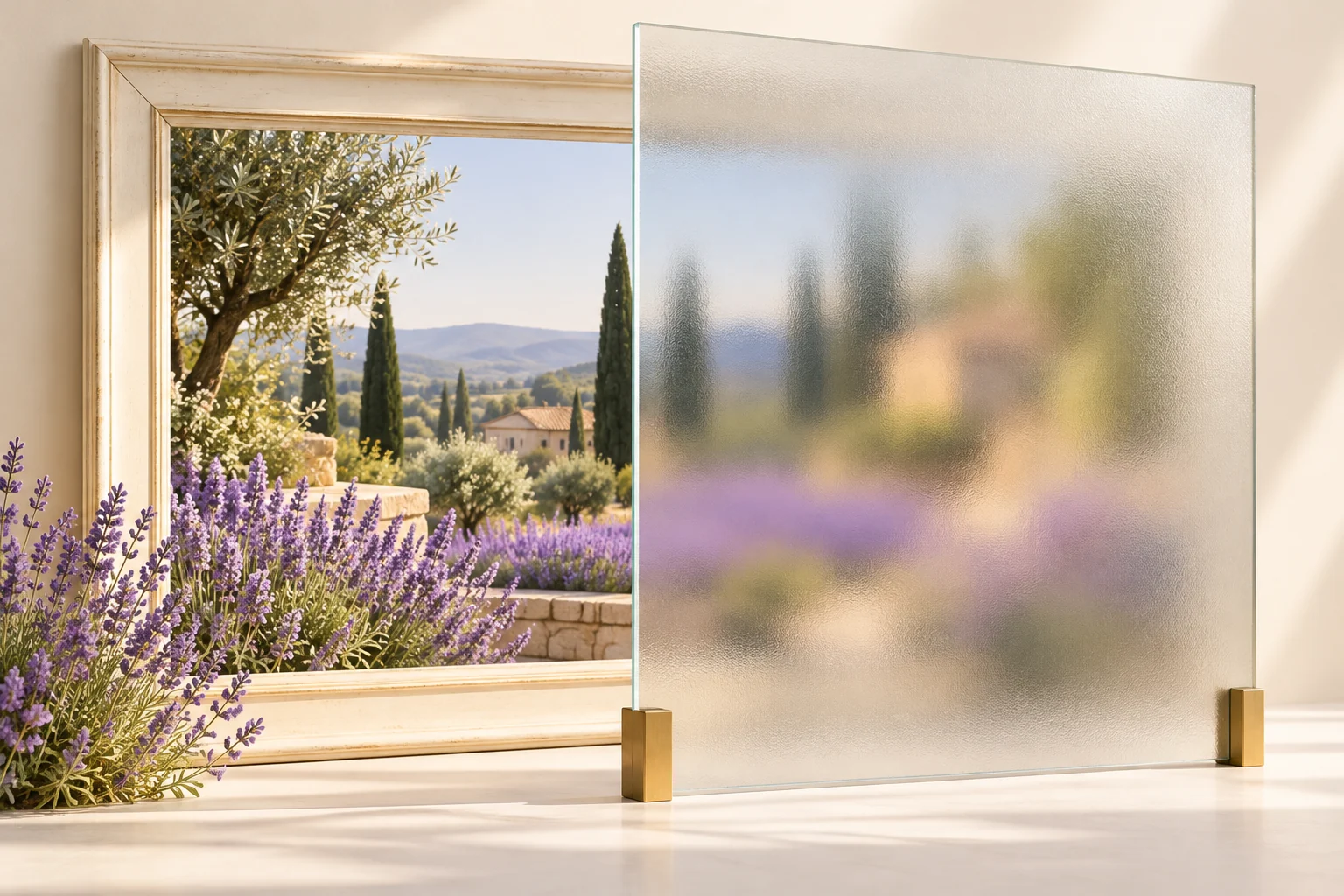
The frosted-glass garden is original editorial artwork. It is not a redaction test, an obscured real identity or a working MOVO blur control. No automatic source-footage operation or external editor integration is established here.
Frequently Asked Questions
Does MOVO blur uploaded video through this entry?
No. It starts an original supporting-scene brief.
Is decorative blur enough to conceal information?
Do not assume so. Check readability and coverage in the actual saved output.
What motion can break local coverage?
Camera movement, subject turns, scale changes and transitions can reveal the detail.
Does visual blur remove spoken information?
No. Assess audio, captions and other appearances separately.
Should I review individual frames?
For concealment, inspect difficult boundaries and motion as well as normal playback.
Is the frosted-glass image a privacy test?
No. It is original conceptual artwork.