Make the Birthday Video About the Recipient
A birthday video maker is a starting point for a personal message, not a reason to fill every moment with a template effect. Decide what the recipient would enjoy: a shared memory, a gentle joke, a short thank-you or a small imagined celebration.
Write the central greeting before choosing scenes. A useful structure can begin with a recognizable detail, develop a memory or original visual idea and finish with the actual wish. The viewer should understand why these moments belong together.
Use MOVO to develop an original celebratory scene and story direction. The entry above does not promise automatic photo-album assembly, exact likeness preservation or delivery to the recipient. Keep those production and sharing decisions separate.
Choose Photos and Memories Deliberately
Use photos and clips you are authorized to include and consider the audience for the final video. A private family greeting and a public social post can need different material. Avoid including addresses, private messages or sensitive details that the celebration does not require.
Select a few meaningful images instead of every available photo. Favor clear moments that support the greeting. A blurry but important memory may work as a brief still with context, while another image may be better left out.
Keep the source files and names organized. If several friends contribute messages, label the accepted takes and verify who is speaking. Do not let an automated sequence invent a relationship, age or event that was never approved.
Plan an Original Celebration Scene
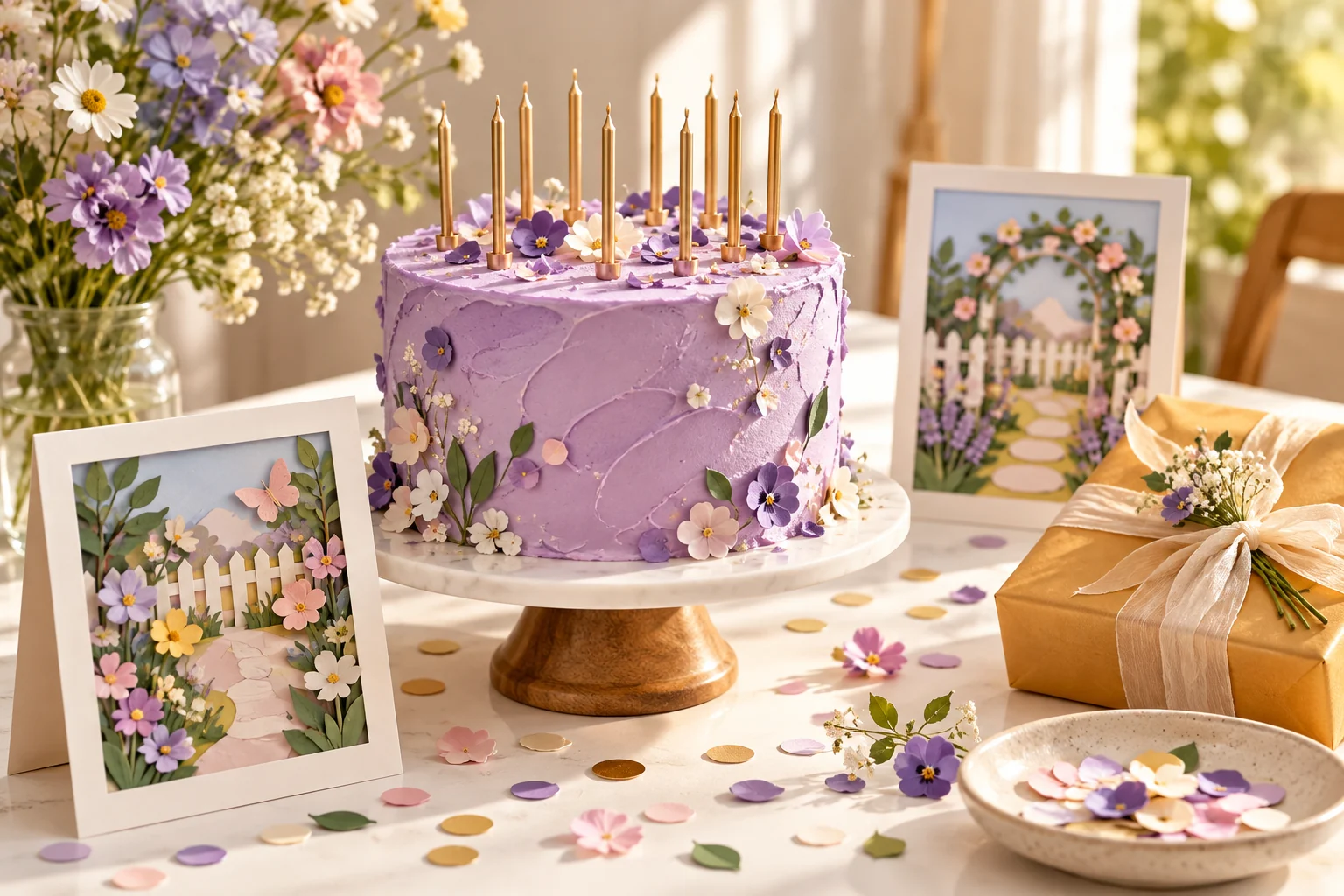
Choose an idea connected to the person's interests without relying on a copied character or film scene. A miniature paper garden opening around a lavender cake can create a warm visual reveal while leaving exact names and wishes for later text placement.
Describe the main action plainly: the garden unfolds, warm light appears and the final gift is revealed. Keep the first attempt focused enough to review. A complicated list of transformations can distract from the personal message.
Use appropriate approved references in MOVO and inspect the full generated clip. If the scene depicts an imagined celebration, do not present it as a recording of a real event. Original fantasy can be meaningful without pretending to document a memory.
Give the Greeting Time to Be Read or Heard
Keep the final message clear and deliberate. Exact names, dates and personal wording should be added with suitable finishing controls, then compared with the approved text. Generated lettering on a cake is not a reliable way to preserve a precise greeting.
If narration is included, choose a natural delivery and confirm pronunciation. Use authorized voices and music. Check that background sound supports the tone without covering the words that make the message personal.
Watch the sequence at the intended viewing size. Give each important photo and message enough time to register, but remove repeated material that delays the ending. A short thoughtful greeting can be more effective than a long list of loosely related scenes.
Use a Birthday Tool for Its Actual Workflow
Invideo's birthday video page describes its own prompt, photo and generation workflow. Check current account conditions, media support and export options directly. Its assembly features and offers are separate from this MOVO page.
Review any automatically selected media or wording before accepting the result. A stock celebration does not establish a personal connection to the recipient, and a generated message may need editing to sound like the sender.
The cake and paper-garden illustration here is original conceptual artwork. It contains no real recipient, age or private photo and is not a measured output from a birthday-video service.
Review the Final Gift Before Sharing
Play the saved export from beginning to end. Check the recipient's name, greeting, photo order, sound and ending. Ask a contributor to review uncertain details before the video is sent, especially when the message is meant to be a surprise.
Choose the intended sharing route and visibility deliberately. This page does not send messages or publish on your behalf. Keep a high-quality accepted master and create a suitable delivery copy for the recipient's viewing context.
Retain the approved assets and final greeting so a correction can be made without rebuilding the entire sequence. A birthday video succeeds when its personal message is clear, accurate and comfortable for the people involved.
Frequently Asked Questions
Can MOVO help plan an original birthday scene?
Yes. Describe the greeting, mood and original visual idea, then review the scene in the workspace.
Will it preserve a person’s likeness exactly?
Exact likeness preservation is not promised; inspect approved references and the complete result.
Where should names and wishes be added?
Use suitable text controls and compare the final wording with the approved greeting.
Can I include every photo I find?
Use appropriate authorized material and choose details suited to the intended audience.
Does this page send the finished greeting?
No. Sharing and visibility remain separate steps you choose.
What should I check before sharing?
Name, message, photo order, pronunciation, sound and the complete ending in the saved export.