Give the Voiceover a Clear Narrative Role
A voiceover carries spoken information over a video rather than relying only on a person speaking in the frame. It can explain a process, connect scenes or provide a character's perspective. Decide what the voice adds that the images do not communicate clearly on their own.
Begin with the audience and purpose. A calm tutorial and a fictional character monologue need different pacing and emphasis. A generic request for a professional voice gives less direction than a clear description of the listener and message.
Use MOVO to develop the overall video brief and supporting scenes. Check the actual workspace for available audio options. This page does not promise a particular voice library, unlimited free speech generation or a built-in voice-cloning feature.
Write the Script for Listening
Read the script aloud before producing many takes. Use sentences that remain understandable at a natural pace and explain unfamiliar terms. Written copy that looks concise can still be awkward when spoken.
Keep factual claims, names and numbers accurate. If the video refers to a real product or event, approve the wording against the source material before recording or synthesizing it. A fluent performance does not make an unsupported claim true.
Remove narration that only repeats an obvious visual without adding context. Give the voice a useful job, such as explaining why an action matters or connecting one story beat to another.
Choose an Authorized Performance Direction
Decide whether the project needs a human recording, an appropriately licensed synthetic voice or another authorized audio source. Use the actual provider's conditions for the intended publication context.
Describe tone and emphasis without impersonating an unauthorized real speaker. A warm explanatory style can be specified directly. Cloning an identifiable person's voice is a separate workflow with its own consent and verification requirements.
Prepare pronunciation notes for names and specialist terms where the selected tool supports them. Include those difficult words in an early test so you can evaluate the workflow before making a long narration.
Listen for Meaning, Not Only Voice Quality
Review the complete speech for pronunciation, pace and emphasis. A voice can sound pleasant while stressing the wrong word or making a factual statement sound uncertain. Judge the performance against the script's intended meaning.
Check transitions between takes or revised sentences. Changes in tone and level can make an otherwise clear narration feel fragmented. Use suitable finishing controls for a coherent final track.
Retain the approved script alongside the audio. If wording changes, update captions and visual labels as well. A video can become internally inconsistent when the narration and on-screen text come from different drafts.
Use Dedicated Voice Tools for Their Actual Features
Fliki's voiceover page describes its own text-to-speech product. Review current voices, access and export conditions directly. Provider-specific features are not automatically available in MOVO.
Test a representative script and listen to the saved output. Check whether the actual delivery format and usage terms fit the project. A free preview is not necessarily the same entitlement as a finished downloadable production track.
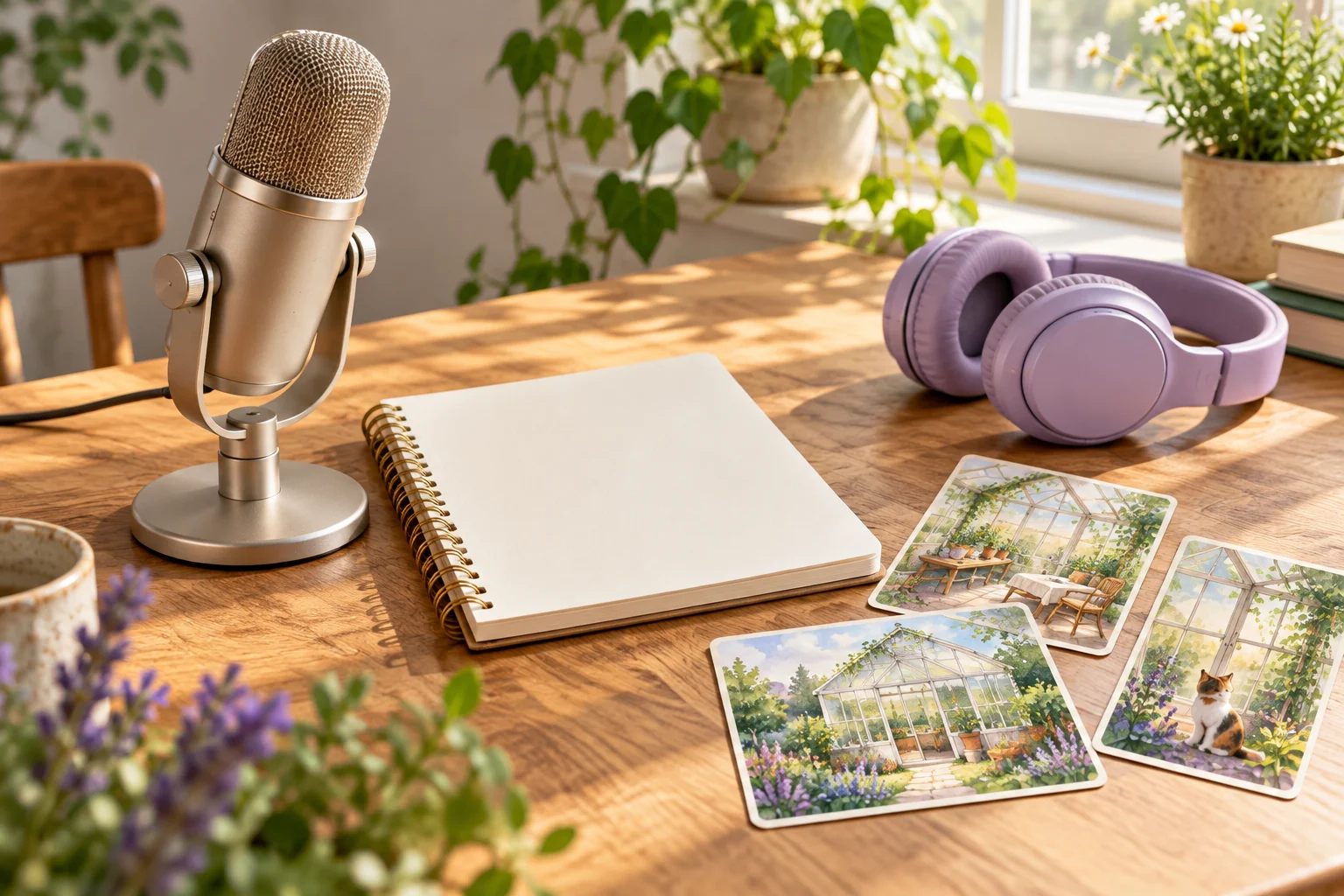
The recording-desk illustration here is original artwork rather than a voice sample or audio-quality benchmark. Evaluate the real sound with the source and task requirements in view.
Build Visual Scenes Around the Approved Narration
Map the script into a small set of useful visual ideas. In MOVO, describe original subjects, visible actions and the relationship between each scene and the words. Avoid generating background footage that competes with the explanation.
Review the complete scene motion and continuity before finishing. Exact audio alignment and caption timing should be checked through suitable controls. A narration duration does not guarantee that an independently generated clip will fit without editing.
Watch the final sequence as a listener who has not read the script. Confirm that the voice is understandable, the picture supports its meaning and the ending completes the message.
Frequently Asked Questions
What is a voiceover used for?
It adds spoken explanation, perspective or continuity to a video when the images alone do not carry the full message.
Does this page promise a specific MOVO voice library?
No. Check the actual workspace options; external provider features are attributed separately.
Is a free preview the same as a downloadable production track?
Not necessarily. Verify the selected provider’s current access and export conditions.
What should I test early?
Difficult names, numbers, tone and the sentence patterns that matter to the actual script.
Can I clone any person’s voice?
Voice cloning is a separate consent-based workflow. Use only an appropriately authorized speaker and supported process.
How should narration connect to MOVO scenes?
Plan scenes from the approved script, review the full visuals and finish precise sound and captions with suitable controls.