Choose One Idea for Your YouTube Short
An AI YouTube Shorts generator can help develop a short video, but the useful starting point is one idea a viewer can understand quickly. Decide what the audience should learn, notice or feel before planning the visual sequence. A compact story still needs a reason to watch.
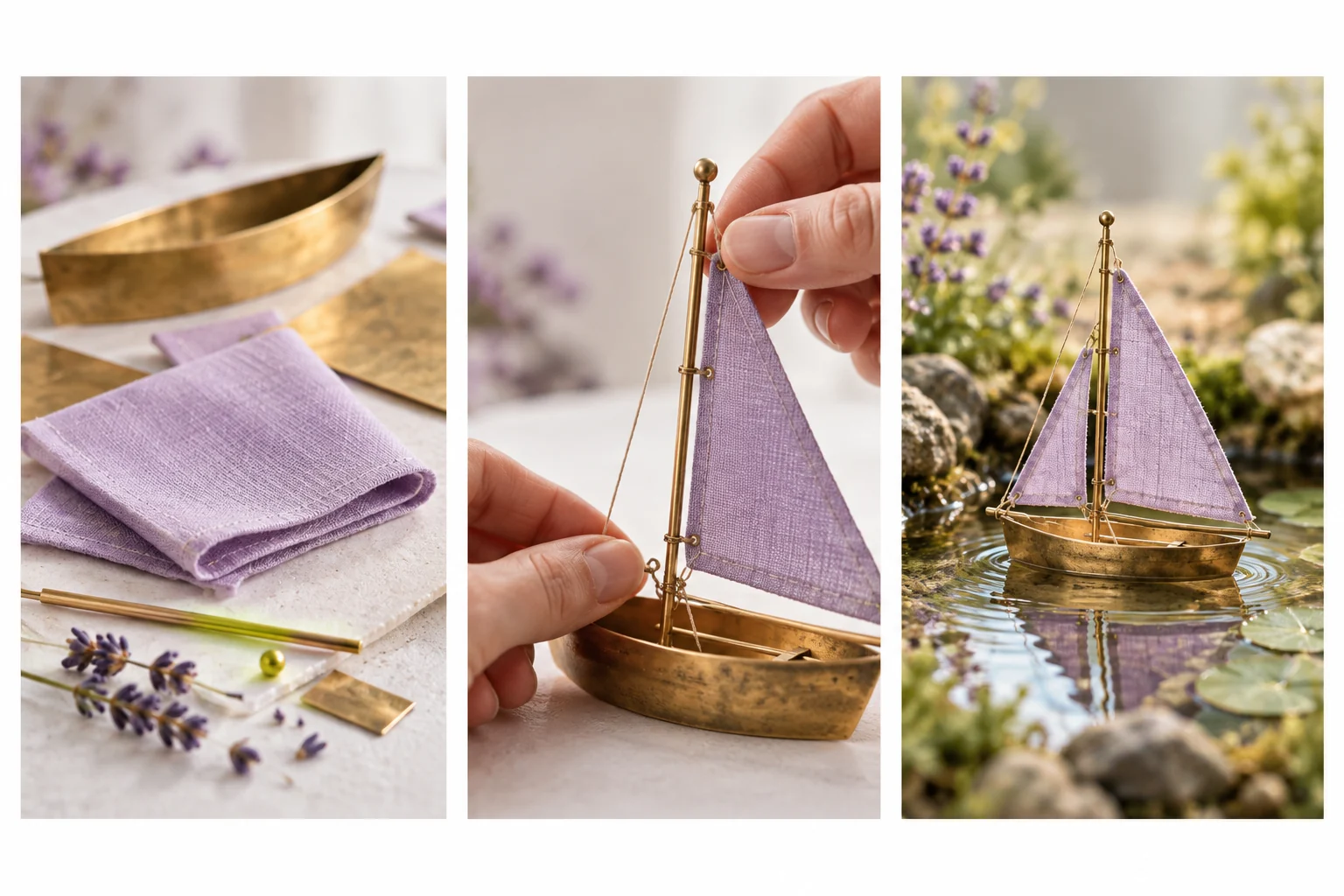
For an original craft example, show a miniature sailboat moving from a folded material to a finished object floating on a pond. The opening can establish the small challenge, the middle reveal a meaningful step and the ending show the result. Each scene contributes information.
Use MOVO to describe that original video direction. The input above starts a creative brief; it does not connect to your YouTube account, upload a Short or guarantee recommendation traffic. Treat creation and publication as separate decisions.
Write an Opening That the Video Can Deliver
State the question or visual promise clearly. If the opening suggests a transformation, the sequence should actually show an understandable change. Avoid a sensational claim that the remaining video cannot support with its images or approved facts.
Plan what appears before the viewer hears the full explanation. An opening close-up of the unfinished boat communicates the object immediately. A long introduction about the channel can delay the useful part without making the story clearer.
Keep script and picture connected. Write what the viewer sees alongside what they hear, and remove repeated explanation. If a caption supplies an essential detail, give it enough time and visual space to be read on a phone.
Compose for a Portrait Viewing Area
A 9:16 working composition is a practical starting point for portrait storytelling. Frame the important action deliberately rather than assuming a landscape scene can be cropped later without losing the subject or its relationship to nearby objects.
Keep the boat, hands and important changes visible together when the story depends on their relationship. Avoid placing essential captions against the extreme edges. Destination controls and crops can vary, so inspect the actual upload preview rather than relying on a universal safe-zone diagram.
Choose movement that remains readable at the intended size. One clear action often communicates more than a sequence of unrelated camera moves. Review the whole clip for changing props or an unclear transition between the preparation and result.
Use Automation With an Editorial Check
Invideo's YouTube Shorts page describes its own prompt-led creation workflow, including script and media assembly. Check its current account and export conditions directly. Those services are not MOVO capabilities or a free-plan promise on this page.
Whichever workflow you choose, verify factual statements and use appropriate source material. Automatically assembled narration and captions still need review for accuracy, pronunciation and the intended meaning. A completed render is a draft until the saved result has been watched.
The sailboat storyboard here is original editorial artwork. It demonstrates a simple sequence structure rather than a measured generator result, a screenshot of YouTube Studio or evidence of platform performance.
Refine Scenes and Finish Exact Details
Describe the subject, action, setting and intended mood in MOVO. Test a representative scene containing the important transformation before expanding into alternate hooks or endings. Keep accepted references and useful production notes with the project.
Use appropriate finishing controls for exact captions, narration timing and cuts. If the script changes, update dependent text and audio together. Check that music supports the explanation without making speech difficult to understand.
Watch the full export at phone size with sound and then without it. Confirm that the main idea survives both views, that the ending is intentional and that no essential object disappears during the crop.
Publish Deliberately and Learn From the Result
Review the current destination requirements in your YouTube publishing interface before uploading. Choose a title that accurately describes the video and check the preview. This guide does not promise monetization eligibility, a particular duration limit or automatic publishing integration.
When comparing versions, change something meaningful: the opening image, explanation order or ending clarity. Keep enough notes to understand which creative choice you changed. Making many near-identical outputs does not establish why one communicates better.
Retain the approved master, script and references. A useful Short can become part of a coherent series when each episode answers a distinct question rather than repeating the same sequence with a new title.
Frequently Asked Questions
Does the page upload Shorts to YouTube?
No. It starts a MOVO creative brief. Publication remains a separate step in the destination workflow.
What should a short video focus on?
One understandable idea with a clear opening, meaningful action and deliberate result.
Is 9:16 a useful working composition?
Yes for portrait planning; still check the actual destination preview and current requirements.
Will AI generation guarantee views or monetization?
No. Creation quality, audience response and platform eligibility are separate matters.
Do automatic captions need review?
Yes. Check wording, timing, readability and agreement with the final narration.
What should I keep after finishing?
The approved export, script, references and notes about the creative decisions.