Start With a Music Video Concept
An AI music video generator can help translate a musical idea into visual scenes. A useful starting brief explains what the song feels like, who the video addresses and what changes from beginning to end. Visual coherence matters more than a collection of unrelated dramatic shots.
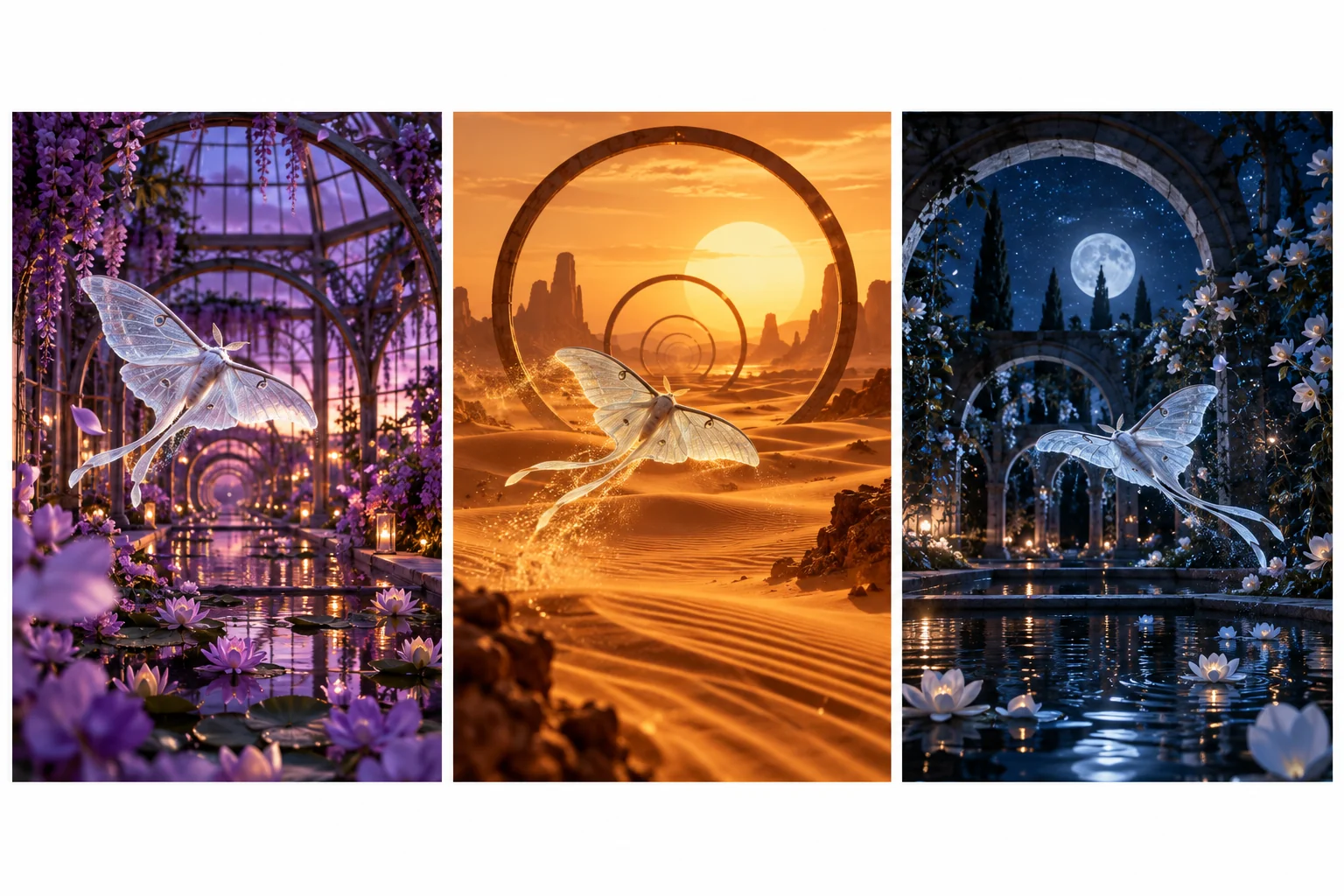
Choose a central idea you can describe in one sentence. An original moon moth searching for light offers a recurring subject, a movement direction and a reason to visit different environments. Your concept can be abstract, narrative or performance-led, but it needs a recognizable visual thread.
Use the MOVO entry to develop that concept and its scenes. This page does not claim automatic song analysis, lyric transcription, beat detection or frame-accurate soundtrack synchronization. Keep those timing requirements in the finishing plan.
Map the Song Before Generating Scenes
Listen to the approved recording and note its major sections. Describe the atmosphere of the opening, where energy rises and how the ending resolves. Use your own time notes rather than treating the song as one undifferentiated block.
Assign a visual purpose to each section. A restrained opening can establish the subject, a chorus can broaden the environment and a bridge can introduce a visual change. Do not add a new character or palette simply because another generation is available.
Distinguish emotional alignment from exact musical synchronization. You can plan a scene that feels appropriate for a chorus before deciding the exact cut point. Precise cuts, transitions and audio placement should be checked against the actual recording in suitable editing controls.
Build a Consistent Visual System
Recurring subject
Choose an original character, object or landscape motif and define the features that need to remain recognizable. Retain approved references and review them across every scene.
Palette and lighting
Set a limited color direction. A deliberate change can mark a musical section, while random lighting changes can make adjacent scenes feel disconnected.
Movement
Describe subject motion and camera behavior separately. A single slow camera move may communicate more clearly than several competing actions in one shot.
Text
If the video includes lyrics, proofread the authorized wording and place it with controls that support exact text. Do not assume generated imagery will render the complete lyric accurately.
Write Prompts for Individual Musical Moments
Give each scene one main action. Specify the subject, environment, light and camera move, then explain the scene's place in the overall concept. A prompt should describe something that can be reviewed, not only an emotional adjective.
An original silver moon moth rises from a violet greenhouse flower. Gentle wing movement, soft amber rim light and a restrained forward camera move. Keep the moth's silhouette and wing markings consistent with the approved reference; this scene introduces the search for light.
Generate a representative scene before expanding the full sequence. Check the subject's shape, movement and atmosphere. Once the direction is useful, carry the same reference language into later shots while changing only the details the story needs.
Finish the Video Against the Approved Recording
Bring approved visuals and music into an appropriate finishing workflow. Place sections on the actual soundtrack, then review the relationships between cuts and musical phrases. Automatic timing, where offered by another tool, still benefits from watching the complete sequence.
Renderforest's music-video page describes its own music-led generation product. Those advertised synchronization features are not a statement about MOVO's capabilities or an integration between the services.
Check the exported file for audio level, abrupt starts or endings and readable credits. Use music and artist material you are permitted to adapt for the intended release. A successful visual test does not settle the song's licensing terms.
Review the Music Video as a Complete Story
Watch once for the overall emotional arc, then inspect continuity. Does the recurring subject remain recognizable? Do changes in location follow the musical concept? Does the ending resolve the visual idea introduced at the start?
Watch a silent pass to see whether the imagery has its own structure, then restore the audio and check how the two work together. This can reveal scenes that look attractive alone but compete with the song's emphasis.
For an alternate social cut, select a meaningful passage and reconsider the opening and ending. A shorter version is a separate editorial decision, not simply the first portion of the full music video. Keep approved exports clearly labeled.
Frequently Asked Questions
Does MOVO automatically synchronize scenes to beats?
This page does not claim automatic beat detection or exact synchronization. Plan the scenes in MOVO and complete precise timing with appropriate finishing controls.
Can I use my own song?
Plan around a recording you own or are authorized to adapt, and confirm its use terms for the intended release.
Should every lyric become a literal image?
No. A recurring visual idea can support the song without illustrating every line literally.
How do I keep the video consistent?
Use approved subject references, a deliberate palette and a focused motion language across scenes.
Can generated scenes contain exact lyrics?
Use a suitable text editor for precise lyric placement and proofreading instead of depending on generated lettering.
What should I test first?
A representative scene that includes the important subject, movement and lighting direction before making the full sequence.