What Does 3D Render Mean for Your Project?
A 3D render is an image or sequence that presents an object or environment with dimensional form, lighting and material. In conventional production it can come from an actual scene model. An AI-generated 3D-style picture may resemble that result without providing editable geometry.
Decide which deliverable you need. A visual concept for a film, a product illustration and an editable asset for manufacturing or interactive use are different tasks. A convincing appearance does not prove the existence of a mesh, depth map or accurate physical model.
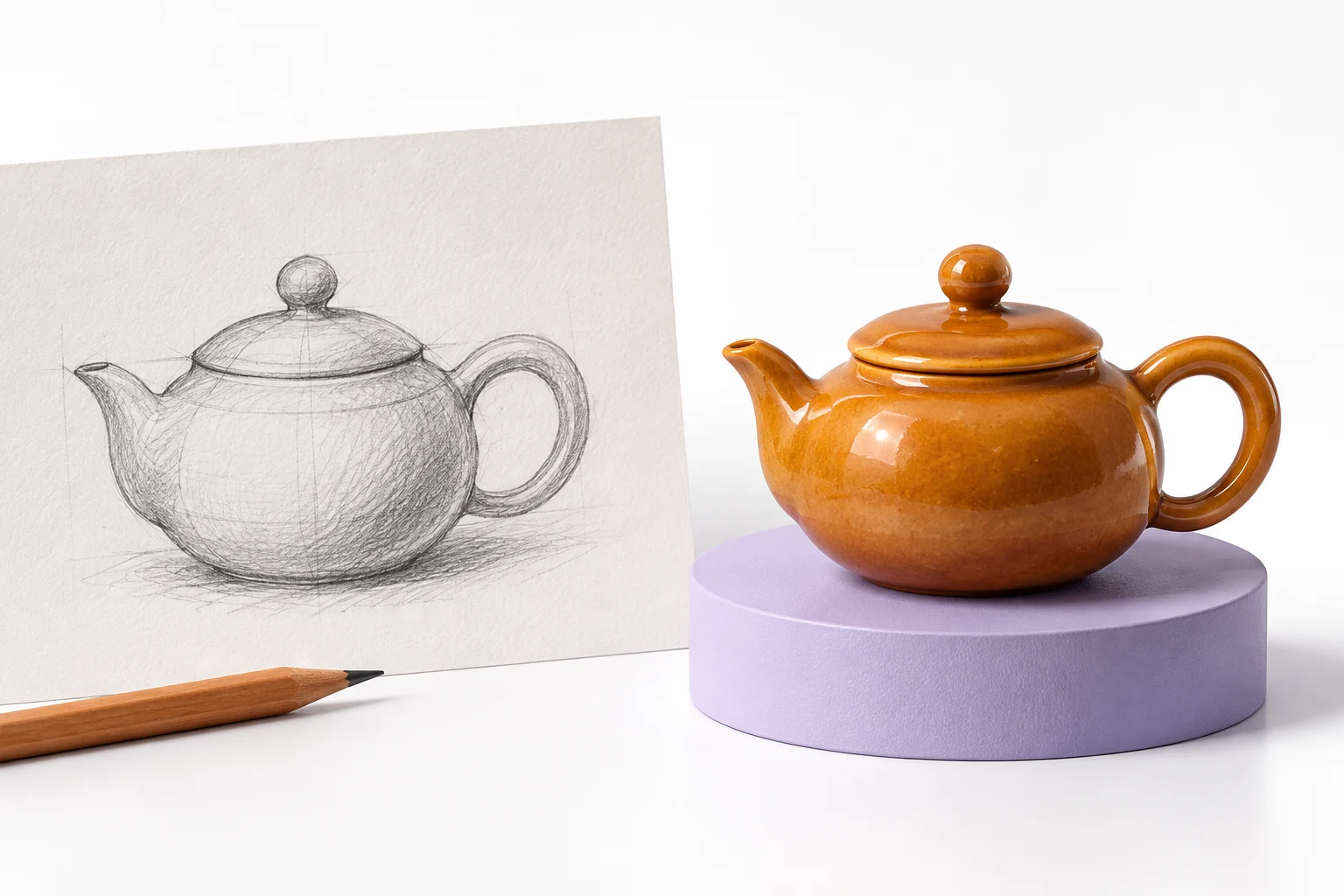
The MOVO input above starts an original visual-scene brief. It does not promise CAD reconstruction, a downloadable 3D model or dimensionally accurate engineering output. Use an appropriate dedicated 3D workflow when those assets are required.
Define the Object Before Choosing Effects
Describe the object's silhouette, proportions and important parts. An original amber teapot might have a compact rounded body, a short spout and a curved handle. Those details give the reviewer something more useful than a vague request for realistic 3D.
Separate fixed design features from exploratory ones. If the object represents a real product, compare it with approved references. Do not allow a visually attractive generation to silently add a feature the product does not have.
Keep source references organized and authorized for the intended use. A clean reference set makes it easier to identify whether a later shape change comes from the source direction or from the generated scene.
Use Materials and Lighting Deliberately
Choose a small number of material traits that support the concept. Glossy ceramic, brushed metal and soft paper each respond to light differently. Describe the desired appearance rather than stacking incompatible surface adjectives.
Plan the main light direction and background relationship. Soft side light can make a rounded object readable, while a dark reflective environment can hide important shape information. The useful choice depends on what the viewer needs to see.
Inspect shadows and reflections for consistency. A rendered-looking image can still contain impossible joins or misleading reflections. Treat visual plausibility as a review question, not automatic proof of a physically correct scene.
Plan Motion That Reveals Useful Form
Give the scene one clear movement. A restrained camera arc or a gentle object turn can reveal shape without overwhelming the viewer. Complex simultaneous changes make it harder to assess whether the object remains consistent.
Watch the whole clip for changing handles, edges and surface markings. An approved still does not guarantee stable geometry through motion. Compare the generated sequence with the important design features from the brief.
If you need exact turntable angles or reusable scene geometry, use tools that actually provide those controls and assets. Do not infer them from a generated video that merely resembles a rendered object.
Check the Dedicated 3D-Style Tool Separately
Higgsfield's 3D Render app page describes its own photo-led effect workflow. Check its actual output type, input requirements and usage terms directly. Its title is not evidence that this MOVO entry creates an editable mesh.
The illustration here is an original visual concept. It is not a measured reconstruction, a CAD sample or proof that a real object has the pictured dimensions. Use it as creative direction only.
Before committing a larger project, test an appropriate representative object and open the saved output. Verify the deliverable itself instead of assuming the interface label establishes what is exported.
Build an Original Dimensional Scene in MOVO
Describe the story purpose, object and intended camera behavior in MOVO. Explain which features must remain recognizable and which materials or backgrounds may change. A focused visual brief helps keep generation and review connected.
Approve a representative scene before expanding into several locations or product variants. Review shape, action and the usefulness of the beginning and ending. Keep exact factual text and brand assets under suitable finishing controls.
Retain approved references, useful outputs and final delivery copies. When a project needs an actual 3D asset, keep that separate workflow visible rather than treating a rendered-looking video as a substitute.
Frequently Asked Questions
Does a 3D-looking video include an editable model?
Not necessarily. A dimensional appearance does not establish mesh, CAD or scene-file output.
Does MOVO provide CAD reconstruction here?
No. This entry starts an original visual scene brief and does not promise engineering geometry.
What should the object brief include?
Silhouette, important parts, material direction, light and one clear movement.
Can a generated product scene prove dimensions?
No. Compare real product details with approved references and use appropriate measured assets where required.
What should I inspect during motion?
Shape, joins, markings, reflections and important parts across the entire clip.
How can MOVO help?
Develop an original dimensional visual concept, test a representative scene and review it before expanding the production.