Higgsfield MCP, GPT-6 Astra and Games 2.0: What Creators Should Separate

What the Higgsfield MCP and Games 2.0 Article Describes
Readers searching for Higgsfield MCP, GPT-6 Astra and Games 2.0 are often trying to understand how an AI conversation becomes a playable experience. Start with the responsibilities in the described product rather than treating every named component as the same thing.
The Higgsfield source article attributes logic and orchestration to GPT-6 Astra, creative assets and the game workflow to Higgsfield, and the connection to its plugin/MCP layer. It describes genre, style, setting and multiplayer choices, followed by generation, refinement and deployment.
This article uses that provider description as context for an independent production method. It does not reproduce the source's performance table, validate its game builds or establish a MOVO connection to those systems. Check the external provider for current access and account conditions.
Write the Playable Brief Before Choosing a Visual Style
Define what the player does repeatedly and why it matters. A world description such as floating gardens at dawn suggests an atmosphere, but it does not yet specify an interaction. Write the goal, action, feedback and stopping condition in concrete terms.
For an original example, a small brass courier robot collects amber seed pods and carries them across a garden bridge to a greenhouse. The player moves, chooses a path and completes a delivery. Decide what counts as success and what happens if the robot leaves the path.
Keep the first brief intentionally small. A clear single-player delivery loop is easier to inspect than a request combining crafting, combat, trading and multiplayer before the central interaction works. Add complexity because the design needs it, not because the prompt can contain more nouns.
Separate the Build, Assets and Published Experience
Treat the game logic, visual material and deployed result as related deliverables with separate evidence. An attractive garden asset does not prove that collection works. A local interaction does not prove the public link behaves the same way.
Keep a small acceptance list for the playable build. The player should be able to start, understand the goal, move through the intended space, complete the delivery and reach an understandable ending. Include recovery from a mistake instead of checking only the ideal path.
The source article distinguishes deploying a playable link from publishing for discovery in its marketplace. That is the provider's workflow description. Inspect the actual destination and visibility settings before treating a test build as a public release.
Test the Interaction With a Fresh Player
Ask a tester to try the opening without reading your production brief where practical. Observe whether they understand the controls and the goal. If they repeatedly miss an important interaction, revise the communication rather than assuming the instructions were obvious.
Check movement, collisions, camera behavior and state changes. In the courier example, verify that a collected seed pod remains collected, the greenhouse recognizes delivery and restarting restores the expected starting state. These concrete tests reveal more than a beautiful screenshot.
If multiplayer is part of a later design, it requires its own tests for joining, shared state and interrupted sessions. A toggle or promotional description is not evidence that every real network condition works. No multiplayer reliability test was performed for this article.
Give Follow-Up Instructions a Specific Target
Use observed behavior to guide a revision. A useful request might say that the greenhouse door looks decorative, so add a readable arrival cue while retaining the accepted route and robot design. That gives the next attempt a clear problem to solve.
Keep the accepted build and a note about the requested change. Review whether the change solved the issue and whether another part of the loop regressed. A stronger visual effect is not an improvement if it obscures the player's next action.
Separate design changes from defects. Changing the mission is a new creative decision; fixing a restart that loses the objective is a behavior correction. Clear notes help you evaluate each version without silently moving the acceptance criteria.
Plan the Trailer as a Separate Viewing Experience
A playable game and its trailer have different jobs. The game teaches through interaction; the trailer needs to communicate the central idea without requiring the viewer to operate controls. Choose the one action or tension that makes the concept understandable.
For the courier game, a short visual story can establish the seed pod, show the precarious garden crossing and end at the greenhouse. Those beats explain purpose and atmosphere. They do not need to reproduce every turn, retry or menu interaction.
Distinguish actual captured gameplay from cinematic or concept scenes. If generated footage depicts an imagined moment, present it accordingly rather than suggesting it proves the game contains that exact playable feature. Keep promotional claims tied to the reviewed build.
Develop Original Video Scenes in MOVO
Describe the video audience, main idea and original visual direction in MOVO. Provide appropriate approved references for the courier robot, amber pod and garden world. Start with a representative scene that combines the subject, action and environment.
An original scene brief might ask for the brass courier carefully crossing a lavender bridge while holding one amber seed pod, with restrained camera movement and dawn light. Review the complete result for prop continuity and readable action before expanding into more shots.
MOVO's role here is separate video and visual-story creation. This workflow does not claim an engine build, playable export, game hosting, automatic game-asset synchronization, Higgsfield MCP connection or GPT-6 Astra access inside MOVO.
Review the Final Deliverables Against Their Own Purpose
Test the playable experience through its actual controls and destination. Review the trailer as a saved video with the intended captions, sound and ending. Passing one review does not automatically satisfy the other.
Use suitable finishing tools for exact titles, UI labels, timing and audio. Keep factual claims accurate to the accepted game version. If a feature is removed from the build, update the trailer and accompanying copy that depended on it.
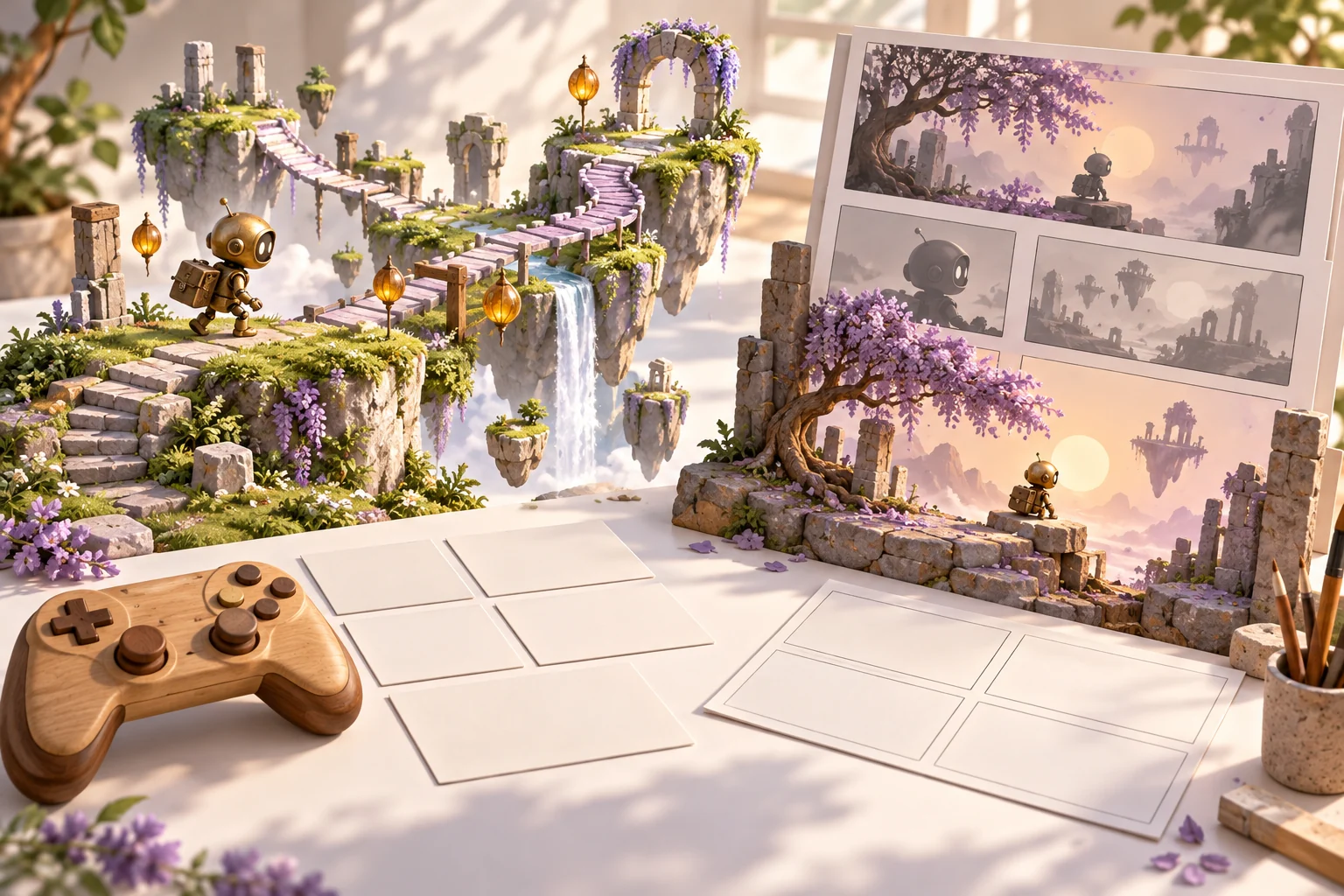
Retain the playable brief, tested build notes, approved references and video assets. The original tabletop illustration on this page is conceptual artwork, not a screenshot of a generated game or evidence of a functioning deployment. Clear deliverables make later updates easier to verify.
Frequently Asked Questions
What does the source article attribute to GPT-6 Astra?
Higgsfield attributes logic and orchestration to Astra within its external workflow. This article does not independently benchmark that claim.
Does MOVO build or host Games 2.0 projects?
No such capability or integration is established here. MOVO is used separately for original video-story planning.
Is an attractive game screenshot evidence of working gameplay?
No. Test the actual controls, goal, state changes, recovery and ending.
Should a first brief include every planned feature?
Begin with a clear playable loop and add complexity after reviewing the core interaction.
Can cinematic footage stand in for captured gameplay?
Keep cinematic or concept scenes identified appropriately and tie playable-feature claims to the reviewed build.
Was a game generated or deployed for this article?
No. It is a source-linked overview with an independent planning and review exercise, not a hands-on build test.