What Does a Podcast Audio Enhancer Do?
A podcast audio enhancer aims to make recorded speech easier to listen to through operations such as noise reduction or level adjustment. The actual controls and results depend on the selected tool and source. Enhancement is different from recording a new performance or rewriting the episode.
Define the problem before choosing a setting. Constant background hum, uneven speaker levels, room echo and clipped audio are different issues. One automatic pass may not resolve all of them and can sometimes introduce audible artifacts.
The MOVO entry above starts a video brief for supporting visuals. It does not clean an audio file, normalize podcast levels or promise an audio-enhancement integration. Use an appropriate dedicated tool for the recording stage.
Improve the Source Where You Can
Keep the original recording and work on a copy. If separate speaker tracks exist, retain them for the finishing workflow. A combined track can make independent corrections harder when voices overlap or have very different levels.
For new recordings, use a quiet space and consistent microphone placement. Listen to a short test before a long conversation. Moving the microphone or fixing an obvious background noise can be more effective than trying to remove every problem afterward.
Do not assume software can restore fully clipped words or inaudible material. If a crucial sentence cannot be understood, consider a new authorized recording. A clean-sounding approximation is not a substitute for verifying the speaker's intended words.
Test Enhancement With a Representative Passage
Select a passage that includes normal speech, pauses and difficult sounds. Include both quiet and louder speakers where relevant. A tool that works on one isolated sentence may behave differently across a real conversation.
Compare the source and processed copy at a similar listening level. Louder sound can seem clearer even when the underlying quality has not improved. Listen for changed consonants, unnatural pumping and watery or metallic textures.
Use restrained settings when the controls allow. Keep natural speech detail and pauses rather than removing every trace of the room. Recheck after each meaningful change so the processing does not become more distracting than the original noise.
Review the Complete Episode or Excerpt
Listen through transitions between speakers and edited takes. Check that the volume relationship remains comfortable and that edits preserve the intended meaning. Enhancement should not silently remove a quiet word that changes the sentence.
Review through headphones and a small speaker where practical. Speech that seems acceptable in one listening context may be difficult to understand in another. Keep background music subordinate to the explanation.
Open the saved export outside the editor. Confirm duration, expected content and clean beginning and ending. Keep the approved script or transcript aligned with any final wording changes before preparing captions or visual explanations.
Use a Dedicated Podcast Audio Tool
VEED's podcast audio enhancer page describes its own cleaning and export workflow. Check current account conditions, available controls and output terms directly. This guide does not claim identical MOVO functionality.
For private interviews, review upload handling and access controls before using a hosted service. Use authorized recordings and retain consent appropriate to the planned publication. A technically clean file does not establish permission to publish it.
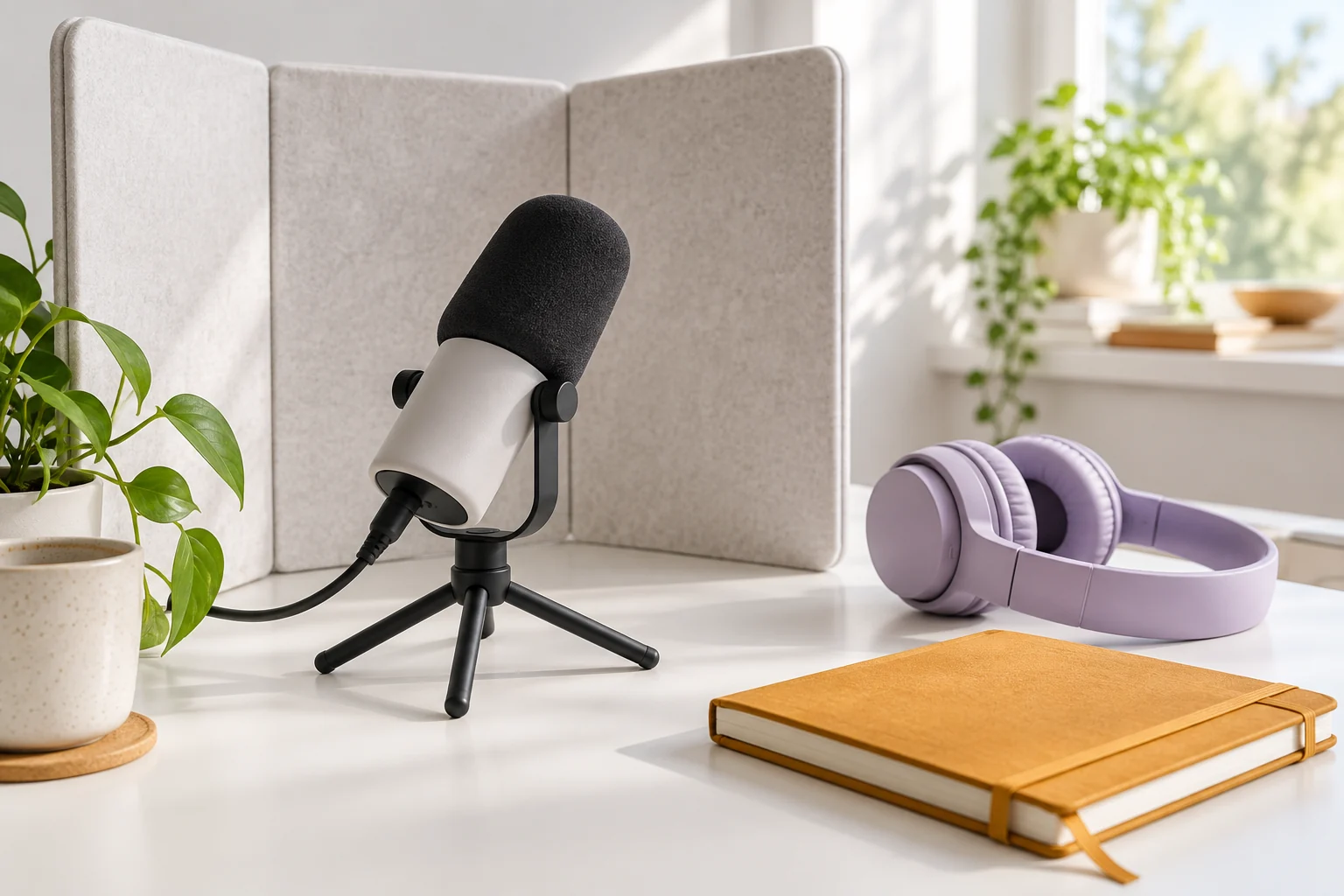
The podcast desk illustration here is original artwork, not a recording-quality benchmark. Judge the tool from the actual downloaded audio and the practical requirements of your episode.
Create Companion Video in MOVO AI
Choose the ideas that need visual support. A short excerpt can focus on one useful explanation, while a longer episode may need a clear chapter structure. Describe the purpose of each original visual scene in MOVO rather than asking for generic background footage.
Use accurate approved text for factual labels and captions. Keep exact speech timing in suitable finishing controls and avoid implying that generated imagery proves a real event occurred. An illustrative scene should be presented in the appropriate context.
Watch the completed video with the final audio. Confirm that the picture supports the spoken meaning, captions match the words and the excerpt remains understandable without the full episode.
Frequently Asked Questions
Does MOVO clean podcast audio on this page?
No. Use a dedicated audio tool. MOVO starts a brief for original supporting visuals.
Can enhancement fix every poor recording?
No. Missing or clipped speech may require a new recording rather than stronger processing.
How should I compare results?
Use a representative passage and similar listening levels, then inspect the full downloaded recording.
What artifacts should I listen for?
Changed consonants, pumping volume, metallic or watery textures and missing quiet words.
Should I retain separate tracks?
Keep original speaker tracks where available so later corrections remain possible.
How can a podcast become a video?
Choose a focused idea, plan original supporting scenes in MOVO and finish precise audio and captions with suitable controls.