Choose Voice Cloning for a Specific Production Need
Voice cloning uses an authorized reference recording to synthesize new speech associated with that voice. It differs from recording a fresh performance and from selecting a generic narration voice. Start by deciding why the production needs this approach and where the resulting speech will be used.
A course creator might need a revised explanation to fit an existing lesson series. A small change in wording can still affect timing, pronunciation and emphasis, so the new passage should be reviewed in its surrounding context rather than treated as a direct replacement automatically.
MOVO's entry above plans the visual story for approved narration. It does not collect a cloning sample, train a personal voice or promise a particular external audio model. Use an appropriate dedicated service for the separate cloning stage.
Record a Reference You Can Evaluate
Use your own voice or a speaker who has clearly authorized the intended cloning use. Keep a record of the approved scope and source recording with the project. Choose a provider whose current reference requirements fit that material.
Record in a quiet environment with a consistent microphone position. Aim for clear speech without background music or overlapping speakers. Do not bake strong processing into the only copy; retain the original recording for comparison.
Listen to the sample before uploading. Clipped peaks, room echoes and inconsistent distance can make a poor reference even if the words remain understandable. A clean small test is more useful than assuming a long noisy recording must be better.
Approve the Script Before Generating Many Takes
Write the final facts, names and intended phrasing before producing a large narration batch. Mark pronunciations and important emphasis in a form the selected tool supports. Separate delivery notes from words that should actually be spoken.
Choose a representative passage with the difficult material: a product name, abbreviation, unusual sentence rhythm or change of emotion. That test gives more information than a simple greeting that avoids the real challenge.
If the project contains recurring terms, keep an approved pronunciation list. Revisions should preserve meaning and the chosen reading style. Do not assume a familiar vocal character makes an unreviewed script accurate.
Review the Synthesized Performance
Listen without reading the script once, then compare it line by line. Check missing or repeated words, unnatural pauses, stressed syllables and transitions between sentences. A convincing isolated phrase can conceal an awkward longer passage.
Compare revised passages with the surrounding accepted narration. Match the purpose and energy of the lesson rather than simply maximizing similarity. Use suitable audio controls to assemble the accepted takes and inspect the joins.
Keep a new take if it improves the actual listening experience. Excessive processing can make words less natural even when the file sounds louder. Do not treat voice resemblance as an automatic guarantee of intelligibility or emotional accuracy.
Keep the External Cloning Stage Clear
Higgsfield's voice cloning page describes using one's own or an authorized reference voice for generated speech. Review its current reference, account and output conditions directly. Those options are separate from MOVO's creative entry.
Check how the chosen tool handles uploaded recordings and how you can manage them. Decide whether the project needs only one revised passage or a reusable narration workflow. Do not upload more reference material than the task and provider require.
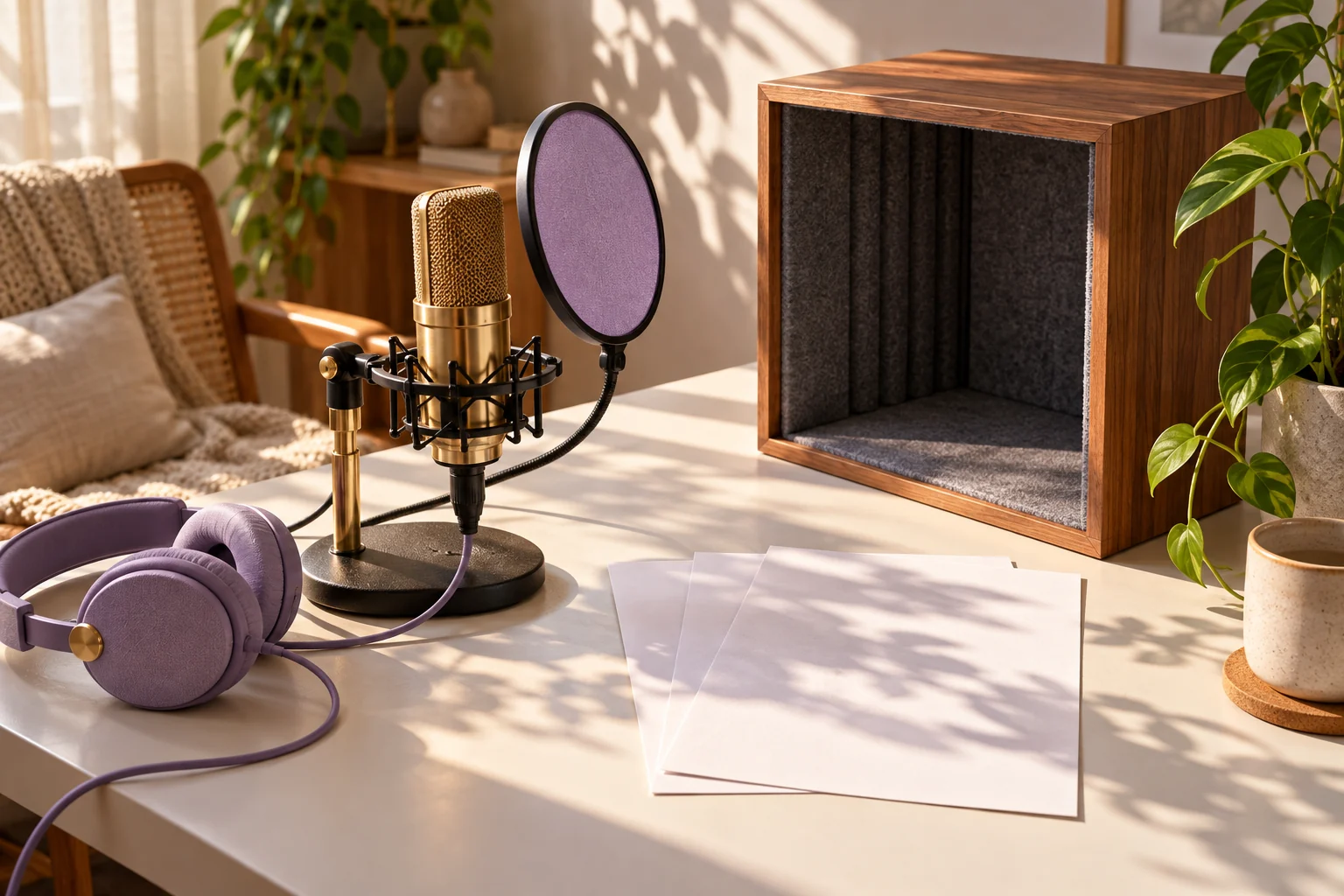
The recording illustration is original conceptual artwork. It is not a cloned-voice demo, an audio-quality measurement or evidence that a particular sample will reproduce a speaker exactly.
Connect the Approved Narration to Original Video
Bring the approved message and scene purposes into MOVO. Describe what each visual adds to the narration rather than asking every sentence to produce a literal picture. An explanation can use one continuous action when that communicates the idea more clearly.
Use appropriate finishing controls for exact voice placement, captions and sound balance. If narration changes, review the dependent picture timing and captions together. Do not promise automatic lip synchronization from a cloned audio file alone.
Watch the complete export on headphones and ordinary speakers. Retain the approved script, voice source, accepted takes and scene notes so later updates can be made without guessing which version was published.
Frequently Asked Questions
Does the MOVO entry clone a voice?
No. It plans original visuals for approved narration; use a suitable dedicated service for cloning.
Whose voice can I use?
Use your own voice or a speaker who has clearly authorized the intended use.
What makes a useful sample?
Clear, consistent speech with little background noise and no clipping or overlapping voices, matching the provider’s requirements.
Should I test difficult words first?
Yes. Include names, abbreviations and delivery changes that the production actually needs.
Does a cloned voice guarantee lip synchronization?
No. Voice creation and exact synchronization are separate production tasks.
What should I retain?
The approved script, authorized source, accepted takes and notes linking them to the final video.