Separate the Voice Profile From the Script
Text to speech using my own voice involves a source voice profile and a new written passage. Decide what you need to say before creating the final narration. A recognizable tone does not guarantee that the script or delivery is appropriate for the project.
The VEED own-voice page describes recording a voice profile through its agreement flow, then selecting that profile for text-to-speech. Use the actual provider process for authorization and voice production.
MOVO's composer starts an original supporting-scene brief. It does not record a voice sample, create a cloned profile or synthesize speech. Keep the personal voice workflow separate from the visual story you develop around the accepted narration.
Use Your Own Authorized Source Recording
Follow the selected provider's actual recording and consent requirements. Use your own voice or a source you are specifically authorized to provide. A familiar voice in an online recording is not permission to create a reusable synthetic profile.
Record in a quiet, consistent setup and listen to the source before submitting it. Clear pronunciation and a comfortable speaking level give you a better basis for review. Do not assume processing can repair every interruption or recording problem.
Keep account permissions and any voice-profile management in the intended provider interface. This page does not provision access or collect voice data. Confirm the actual profile and source before using it for a new production passage.
Write for the Meaning You Intend to Communicate
Use short sentences and a clear progression. Mark names, abbreviations and words that need careful pronunciation. Read the text aloud so awkward phrasing is found before it becomes a long generated voice file.
Check factual statements against approved material. A synthetic version of your voice can deliver a sentence you never recorded personally, so review the wording as a new statement rather than assuming your familiar sound makes it automatically correct.
Keep the intended use understandable. Do not present a generated narration as evidence of a spontaneous live conversation or a real-time personal response when that distinction matters to the audience. Treat the written passage and its performance as separately approved material.
Review a Short Voice Test Before the Full Track
Generate a representative passage through the actual voice tool and listen closely. Check pronunciation, pacing and emotional emphasis. Compare the result with the intended delivery rather than expecting the profile to reproduce every aspect of natural speech automatically.
Listen for artifacts or inconsistent sound between sentences. If the performance is distracting, adjust supported controls or revise the script and test again. Keep accepted versions clear so the final project does not accidentally use an earlier pronunciation test.
Review the complete approved voice file before editing visuals around it. Confirm the beginning, ending and exact words. A successful generation message does not establish that the saved track contains the right version of the script.
Build the Visual Sequence Around the Approved Narration
Plan original scenes in MOVO for the ideas that need visual support. Describe subject, action, environment and endpoint, with clear reference roles. Keep exact audio timing in the finishing project instead of assuming automatic synchronization.
Assemble the accepted visuals, captions and voice in appropriate tools. Replay the saved video for meaning, sound balance and timing. If the narration changes, revisit the matching text and scene cues as part of the same revision.
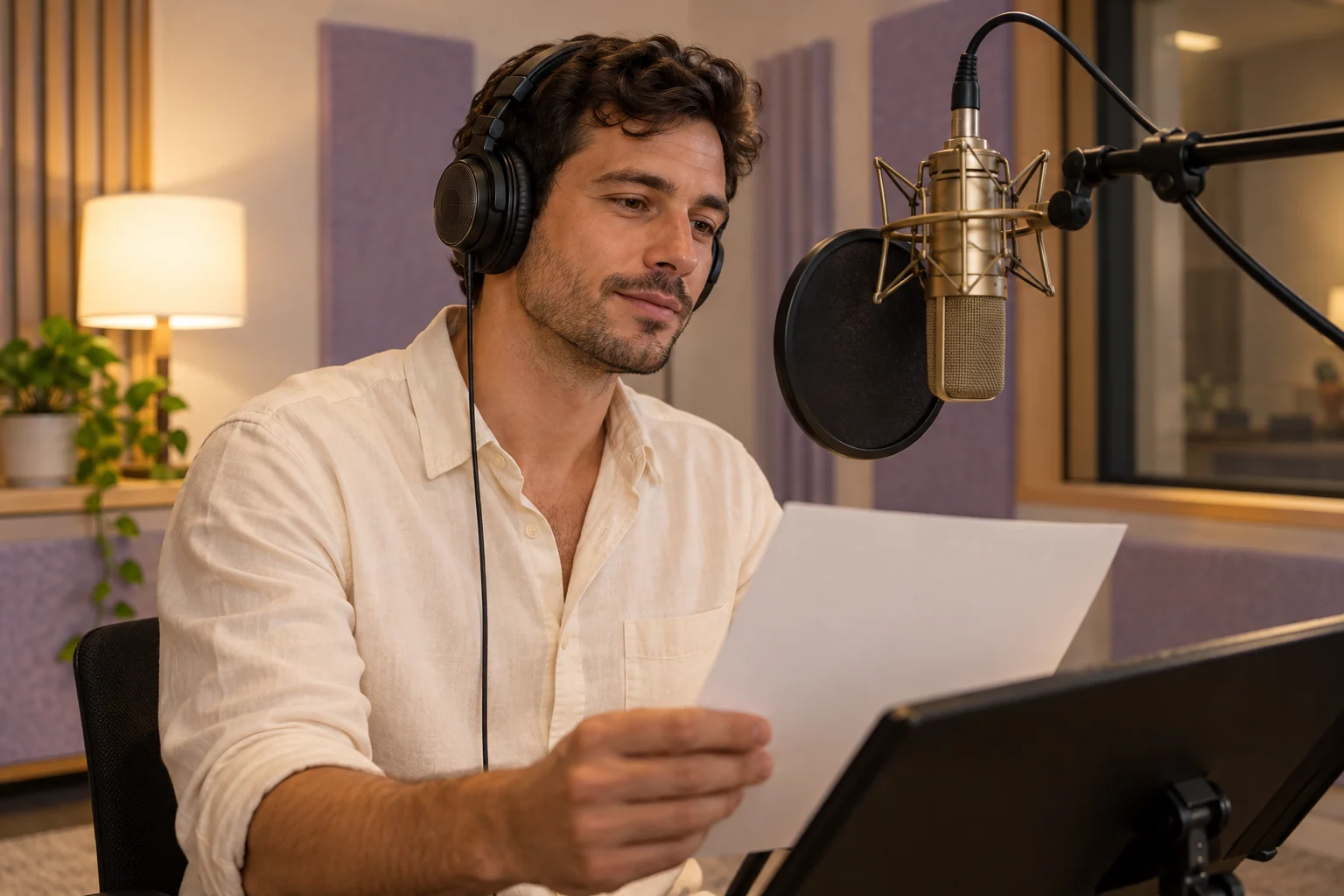
The recording portrait is original fictional editorial artwork. It is not a real voice-profile owner, a cloning example or a MOVO recording interface. No voice sample, external account connection or automatic profile transfer is established by this entry.
Frequently Asked Questions
Does this MOVO entry clone or record my voice?
No. It starts an original supporting-scene brief.
Where should the voice profile be created?
Through a dedicated provider’s actual authorized recording and consent workflow.
Can I use any familiar online voice sample?
No. Use your own voice or a source you are specifically authorized to provide.
What should I test in a generated passage?
Pronunciation, pacing, emphasis, artifacts and the exact script version.
Does a familiar synthetic voice verify the script?
No. Check the new written statement and approve the actual performance.
Is the pictured man a voice-cloning demonstration?
No. He is an original fictional editorial character.