Listen to the Gusts Before Choosing Processing
To remove wind noise from video, identify where gusts interfere with the voice and how much useful speech remains. A steady breeze, a sudden burst and a distorted microphone passage can need different decisions. Do not judge the whole recording from its cleanest moment.
Watch the source so the soundtrack stays connected to the scene. Some outdoor atmosphere may belong in the story, while a strong gust can mask an important sentence. The target is understandable speech in context, not necessarily a silent background.
The MOVO entry above plans original supporting visuals. It does not remove wind, reconstruct missing words or process an uploaded audio track here. Use a suitable dedicated cleanup tool for that stage.
Find the Best Available Recording
Check for a cleaner microphone track, another take or an original file before processing an old delivery copy. Keep the unchanged source and label the accepted working version. A better recording can preserve the performance with less intervention.
If a critical sentence is missing or heavily distorted, consider a replacement recording where practical. Cleanup should not be assumed to recover an accurate original word that was never captured clearly. Keep any replacement consistent with the approved meaning.
For future recording, choose suitable shelter and microphone wind protection for the equipment and setting. Test a short passage on location before recording the full explanation. Prevention and later processing are separate production steps.
Test a Difficult Passage at Normal Listening Speed
Choose a sample containing typical speech and the strongest relevant gusts. Include the transition into and out of the noisy moment so processing changes can be heard. A short clean sample cannot establish how the difficult passage will behave.
Use restrained settings where available. Listen for damaged consonants, pumping or unnatural voice texture along with the amount of remaining wind. A quieter background is not a useful result if the message becomes harder to follow.
Compare at a similar listening level where practical, then check headphones and ordinary speakers. Keep the candidate that best serves intelligibility rather than the one that appears to remove the most sound.
Use the External Wind-Noise Tool for Its Controls
VEED's wind-noise page describes its own cleanup workflow and recording suggestions. Review current file support, account conditions and exports directly. Its speed and voice-isolation wording is not a MOVO feature or a recovery guarantee.
Export a representative test and listen to the saved file. Confirm that the intended track and timing remain correct. A processor preview does not establish that every delivery version contains the accepted result.
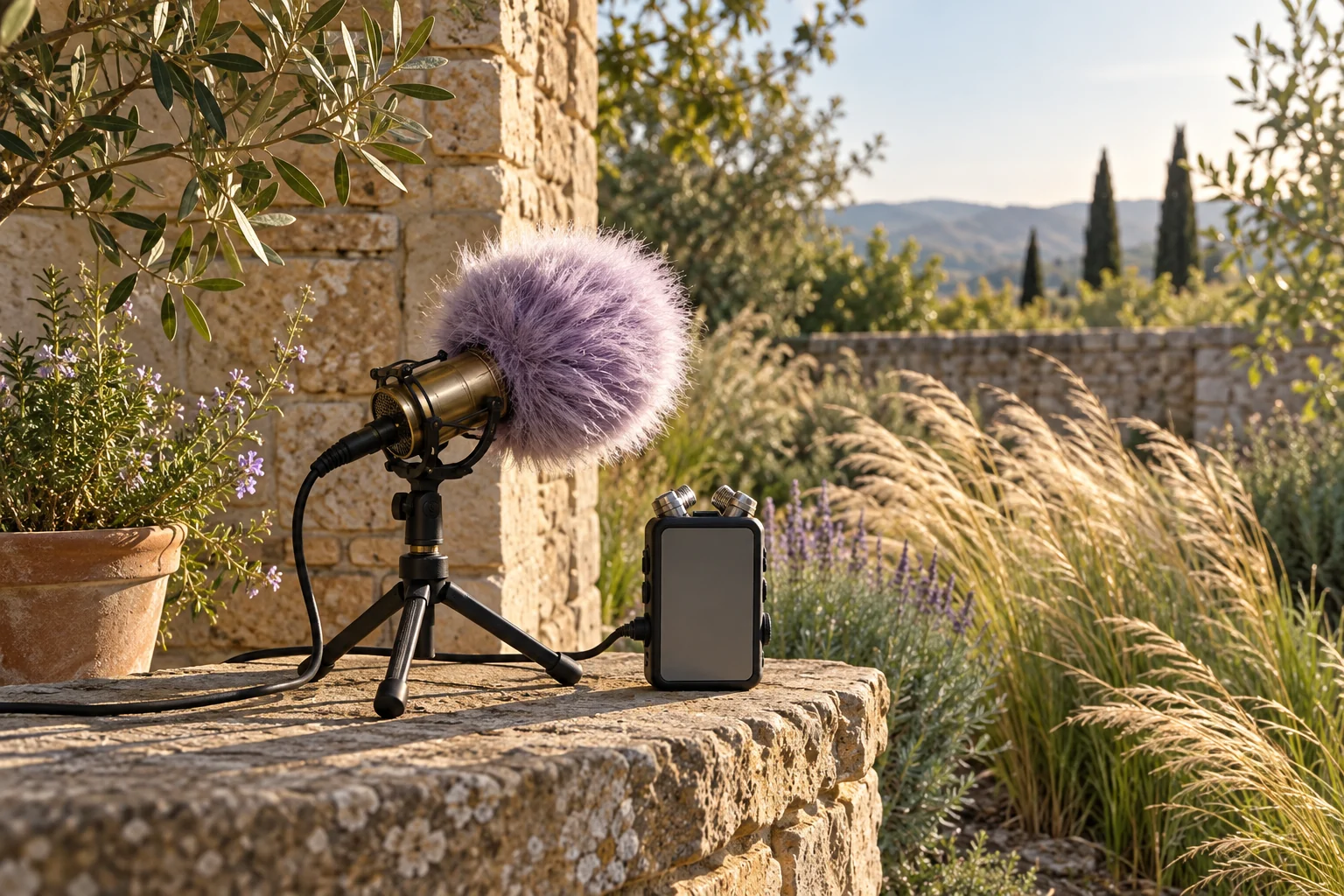
The microphone image here is original conceptual artwork. It is not a measured wind-protection test, a before-and-after recording or proof that all outdoor noise can be removed.
Keep Speech, Ambience and Captions Consistent
Return the accepted voice to the full soundtrack. Review music, outdoor atmosphere and effects together. A clean solo voice can still be masked by other elements when the final mix is assembled.
Use suitable editing controls for exact placement, fades and level balance. If a sentence is replaced, check the join and update captions to match the accepted take. An old transcript can become inaccurate after the audio edit changes.
Keep the location's atmosphere deliberate. Removing all environmental sound can make a scene feel disconnected, while leaving a strong gust may prevent understanding. Review the actual listening experience rather than applying the same treatment everywhere.
Create Original Supporting Scenes in MOVO
Describe the approved outdoor message and what a new visual should add in MOVO. An explanatory insert can clarify a point without pretending to document an event the camera did not capture. Use appropriate approved references.
Review the generated clip for continuity and readable action, then combine accepted picture and sound with suitable finishing tools. No automatic synchronization with an external wind-noise remover is established here.
Watch and listen to the complete saved export. Retain the source recording, accepted cleanup, any replacement take and visual assets so future revisions remain traceable to approved material.
Frequently Asked Questions
Does MOVO clean wind noise in this entry?
No. It starts visual planning; use a dedicated audio processor for cleanup.
What should a test include?
Typical speech, difficult gusts and the transitions around the noisy passage.
Can processing guarantee missing words are restored?
No. Use a better source or replacement recording when appropriate.
What matters besides quieter wind?
Voice clarity, naturalness, context and the final mix.
Can future recording choices help?
Use suitable shelter and microphone wind protection, then test the actual location setup.
Is the image a protection benchmark?
No. It is original conceptual artwork without measured audio results.