Define the Audio Improvement You Actually Need
An AI audio enhancer may combine cleanup, level adjustment or speech processing depending on the chosen product. Begin by identifying the problem you hear: noise, uneven speakers, distracting room sound or an unclear performance. Those issues should not all be treated as one volume setting.
Listen to the unchanged recording in context with its intended use. A quiet reflective passage can be appropriate, while a sudden level difference between speakers may interrupt understanding. The useful target is a clear listening experience for the audience.
The MOVO entry above starts original visual planning for approved sound. It does not process an audio file, restore missing speech or expose a dedicated enhancement engine here.
Choose a Representative Source Passage
Use an authorized source and keep it unchanged. Look for the original recording or a separate clean microphone track before repeatedly processing an old delivery copy. A better source can reduce how much enhancement is necessary.
Choose a test containing typical speech, the difficult sound and a transition between quiet and loud moments. A simple clean opening is not enough to judge an entire interview or lesson. Include the material the finished project actually needs.
Listen for missing words or distortion separately from noise. An enhancer cannot be assumed to reconstruct an accurate original performance from absent information. Re-record or obtain a better source when that is the appropriate production fix.
Compare Naturalness as Well as Apparent Clarity
Use restrained settings where available and compare complete sentences. Check consonants, breaths and pauses for unnatural changes. Removing more background sound can still make the voice less understandable if it damages the performance.
Compare at a similar listening level where practical. A louder output can initially seem better even when it becomes harsh or uneven. Judge whether the intended words remain comfortable and natural over a longer passage.
Keep separate notes for cleanup and balance decisions. If several operations change at once, it becomes harder to identify why one candidate works. Retain a useful accepted test rather than assuming the latest attempt must be the best.
Use the External Enhancer Within Its Actual Conditions
VEED's AI audio enhancer page describes its own cleanup and speech-enhancement controls. Review current file support, account requirements and output conditions directly. A free-to-try description should not be treated as unlimited ongoing processing or a MOVO feature.
Export a representative test and listen to the actual file. Confirm that the intended audio is present and timing remains correct. A tool preview or success message does not establish the quality of the saved delivery result.
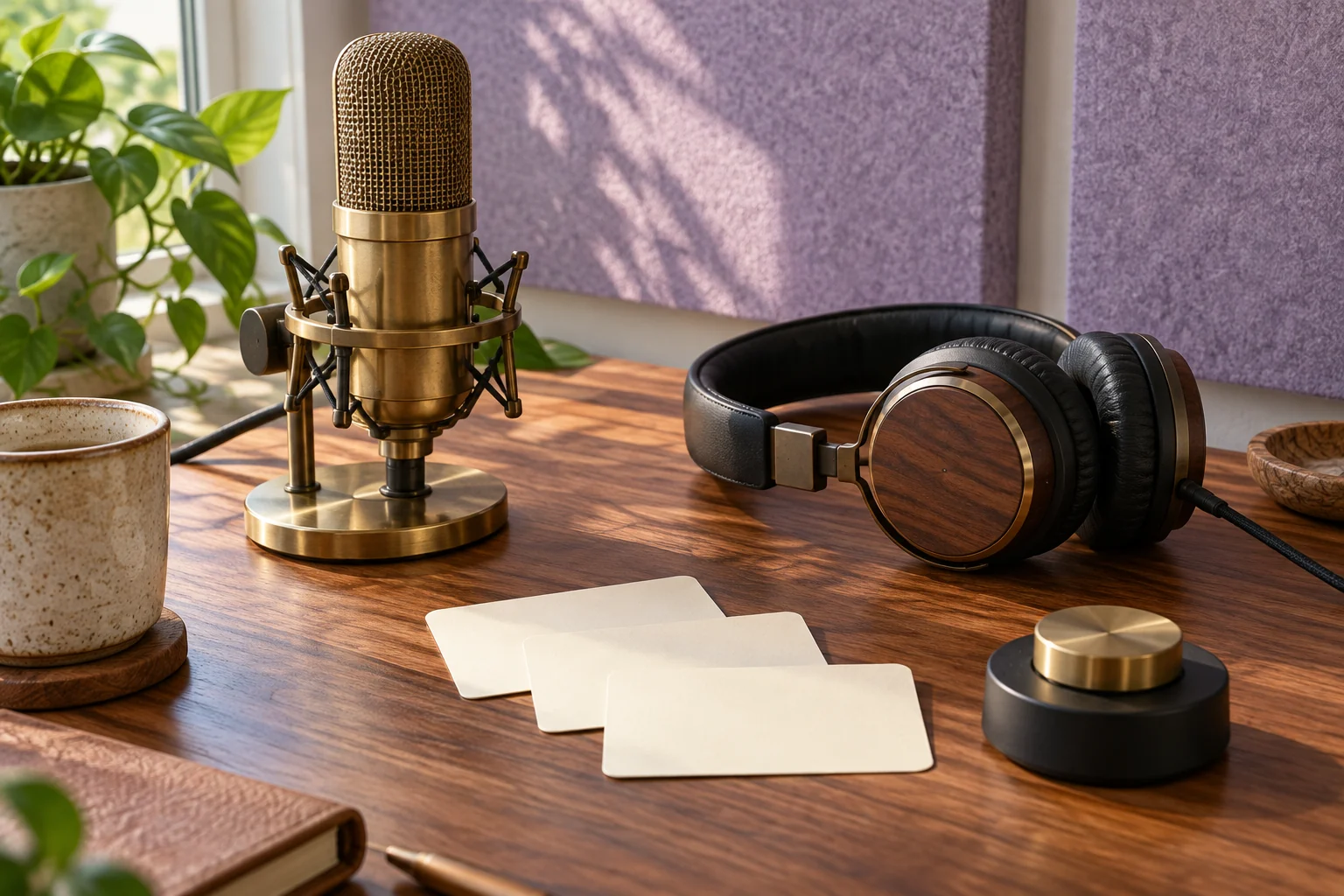
The listening-review illustration is original conceptual artwork. It contains no measured waveform, before-and-after recording or evidence that a particular processing engine preserves every sound perfectly.
Review the Sound in the Final Mix
Return the accepted voice to the complete soundtrack. Music and effects can mask speech even when the solo track sounds clear. Use suitable controls for timing, fades and balance rather than repeatedly boosting one element without comparison.
Listen on headphones and ordinary speakers. Check the beginning, changes of speaker and ending. A comfortable average level can still contain an abrupt peak or a passage too quiet for the intended audience.
If narration changes, update captions and dependent picture timing. Keep exact text aligned with the accepted recording so a sound improvement does not leave an outdated transcript in the delivery file.
Create Supporting Original Scenes in MOVO
Describe the approved message and visual purpose in MOVO. Identify which moments need an original explanation or atmosphere. Keep the picture connected to what the audience needs to understand rather than adding motion that competes with the voice.
Review the full generated clip for continuity and action, then use appropriate finishing tools to combine accepted assets. No automatic project connection or synchronization with an external audio enhancer is promised here.
Watch and listen to the complete saved video. Retain the source recording, processed master, mix and scene assets so a future version can be built from approved material without repeatedly enhancing a compressed export.
Frequently Asked Questions
Does this MOVO entry enhance an audio file?
No. It plans original visuals; use a dedicated audio processor for enhancement.
What should I test first?
A representative passage with typical speech, the problem sound and important level changes.
Is a louder candidate always clearer?
No. Compare naturalness, intelligibility and comfort at a similar listening level.
Can an enhancer guarantee recovery of missing speech?
No. Use a better source or new recording when that is the appropriate fix.
Should I inspect the saved export?
Yes. Listen to the actual file and the final mix, not only an editor preview.
What should I retain?
The unchanged source, accepted processed master, mix notes and supporting visual assets.