Start With the Correct Song and Lyric Source
A lyric video maker combines a recording with words that appear at the intended moments. Begin with the exact approved audio version and lyric text. A live performance, alternate mix or shortened edit may need different timing from the main release.
The VEED lyric-video page describes adding music and lyrics through subtitle or text controls. Those dedicated editing operations are separate from MOVO's original visual-planning entry above.
Use music and lyric material appropriate for the intended project. Keep the checked words alongside the recording so later revisions do not mix one song version with another. Generated visual atmosphere should support the song rather than decide what its lyrics are.
Break the Words Into Readable Phrases
Choose phrase boundaries that follow the performance and preserve the meaning. A short line can work better than a full paragraph, but splitting a phrase at an awkward point can make it harder to understand. Listen while you plan the segments.
Check spelling, repeated phrases and intentional pauses against the recording. Automated transcription can help draft the text, but sung words and layered vocals still need careful review. Do not accept a plausible phrase simply because it fits the rhythm.
Keep the visual hierarchy restrained. The active words should be easy to find, with enough contrast against the background. Choose a style that remains legible on the intended screen instead of relying on delicate effects or tiny lettering.
Align the Text With the Approved Recording
Use suitable editing controls to place each phrase against the actual audio. Watch and listen at normal speed, checking whether the text appears early enough to read and leaves at a natural point. A waveform alone does not establish the meaning of a sung line.
Review repeated choruses separately. Similar words do not guarantee identical timing in every section, especially when the performance changes. Check the opening, instrumental gaps and final phrase rather than only a central verse.
Do not infer word-by-word highlighting or exact synchronization from a scene prompt. Those are production requirements to verify in the actual editing workflow and saved result. Preserve an editable lyric timing version for corrections.
Create Background Scenes That Support Reading
Brief original background scenes in MOVO using the song's mood, setting and intended visual changes. A slow landscape movement may suit a quiet phrase, while another section may need a more active scene. Give each choice a purpose in the sequence.
Leave practical space for the words. Avoid busy detail or a moving subject directly behind the active line when it makes reading difficult. Review the combination of text and picture rather than accepting them independently.
Keep exact lyrics out of the generated scenery when precision matters. Add the checked words as controlled overlays during finishing. The composer does not establish automatic lyric extraction, karaoke highlighting or a licensed music catalog.
Review the Saved Lyric Video From Start to Finish
Watch the full export with the approved text nearby. Check missing or duplicated lines, section transitions, final words and any text that remains on screen during an unintended gap. Listen for cut-off sound at the ending.
Test the video at the intended display size. A readable desktop preview can become crowded on a phone. Adjust phrase length or placement if necessary and inspect the new saved copy after changing the layout.
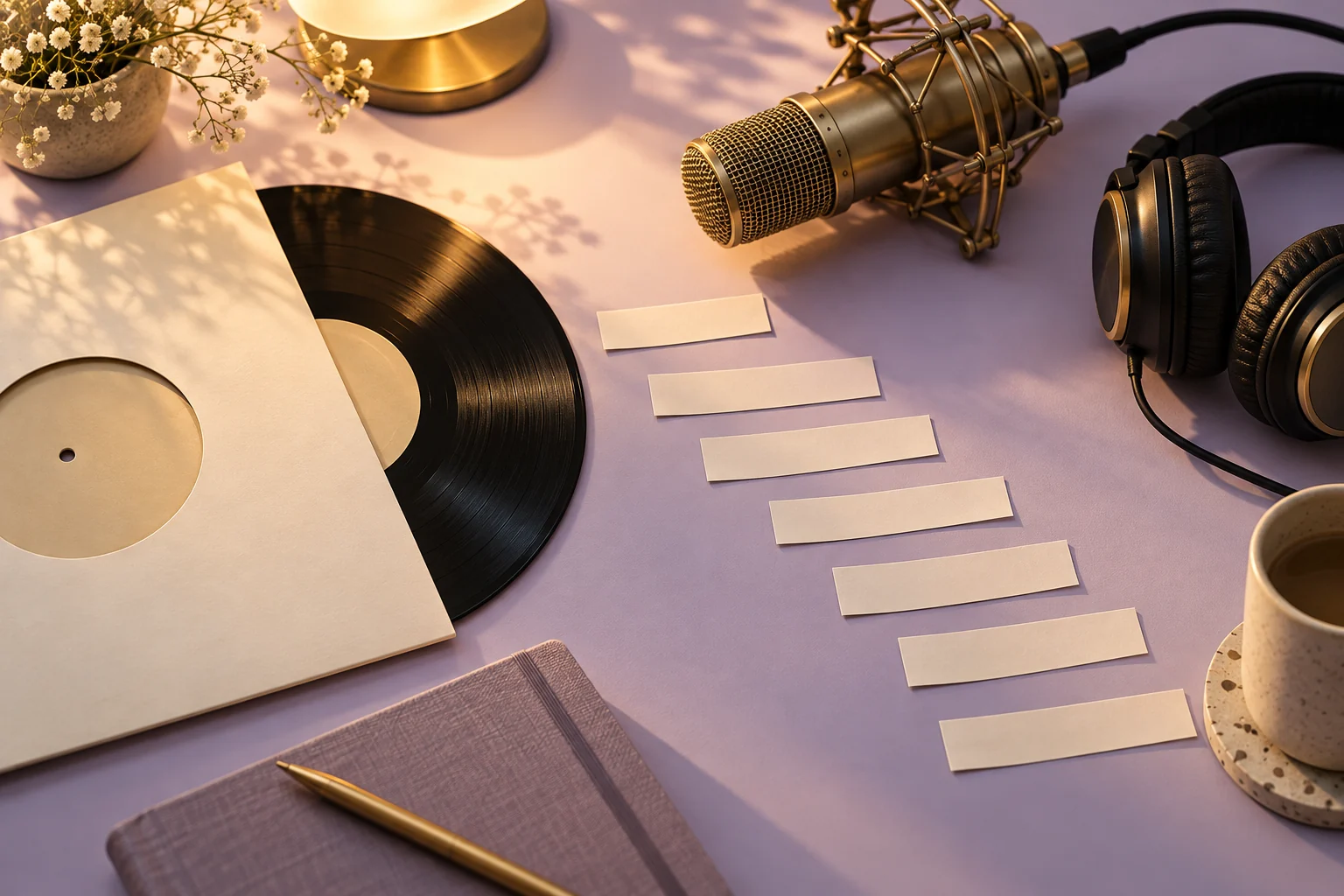
Retain the recording, checked lyric source, timing project, original background assets and final master. The blank paper strips shown here are an original metaphor for timed words, not reproduced lyrics or a live synchronization interface.
Frequently Asked Questions
Does this MOVO page automatically transcribe lyrics?
No. It starts original visual planning; check lyrics and timing in a dedicated workflow.
Why does the exact recording version matter?
Different edits or performances can change phrase timing and repeated sections.
Should generated text be trusted for exact lyrics?
No. Use checked lyric text and inspect controlled overlays.
Does a scene prompt guarantee karaoke highlighting?
No. Verify that requirement in the actual editing workflow.
What should I inspect in the final export?
All lines, synchronization, reading comfort, section transitions and the ending.
Do the paper strips contain a real song?
No. The artwork contains blank strips and does not reproduce lyrics.