Decide Whether You Need a Track or an Isolated Voice
To extract audio from video means saving or separating its soundtrack for another use. That does not automatically isolate a speaker from music or background sound. Decide whether you need the complete track, a selected passage or a further audio-separation operation.
The VEED audio extraction page describes separating audio from an uploaded video and preparing an audio export. Use a dedicated tool for the actual source file. Check its supported operation instead of assuming extraction removes every unwanted sound.
MOVO's composer starts an original supporting-scene brief. It does not upload a video, extract tracks or produce a downloadable audio file. Keep source-file processing separate from the new visual story you plan around the accepted sound.
Choose the Correct Source and Passage
Use the intended video version and preserve it separately. A later edit may contain different dialogue, music or timing. Confirm the source before extracting audio so the receiving project does not begin with an outdated soundtrack.
If only one passage is needed, review the surrounding material first. Keep enough context to preserve the speaker's meaning and a natural entrance or ending. A shorter audio excerpt should not change the statement through a missing condition.
Use material you are entitled to repurpose. A publicly viewable clip does not itself establish permission to extract and reuse its soundtrack. Keep the accepted source and any necessary project notes associated with the new audio asset.
Listen to What the Extraction Actually Contains
Replay the extracted result and identify which sounds are present. Dialogue, music, effects and room noise may already be combined in the source. Saving them as an audio file does not undo that mix.
If the task needs a cleaner voice, use an appropriate additional audio workflow and compare its result with the source. Processing may affect speech as well as noise. Keep extraction, cleanup and source separation as distinct operations with their own checks.
Confirm the passage order, duration and sound tail. A silent section or an unexpectedly shortened ending can matter when the audio becomes narration for a new video. Inspect the saved result rather than relying only on a timeline preview.
Prepare an Output the Next Project Can Use
Choose the required format and settings through the actual tool. Check compatibility in the receiving application rather than assuming every file with a familiar extension behaves identically. Retain a suitable source or master for later revisions.
Give the exported audio a name that distinguishes it from the original video and any processed variants. If the same passage is later denoised or trimmed, keep those versions identifiable so the editor can choose the accepted one.
When sound will be reunited with picture, check synchronization in the final project. An extraction followed by independent cuts may change the relationship to the original frames. Review the actual assembled sequence and not only the standalone audio.
Plan New Visuals Around the Accepted Sound
In MOVO, describe original scenes that support the recording's meaning. Identify the subject, action, camera and endpoint for each idea. Keep factual source footage available when the project needs evidence rather than an invented visual analogy.
Finish precise cuts, captions and sound balance in suitable tools. Watch and listen to the complete saved master after assembly. No automatic audio transfer or synchronization from an external extractor is established by this entry.
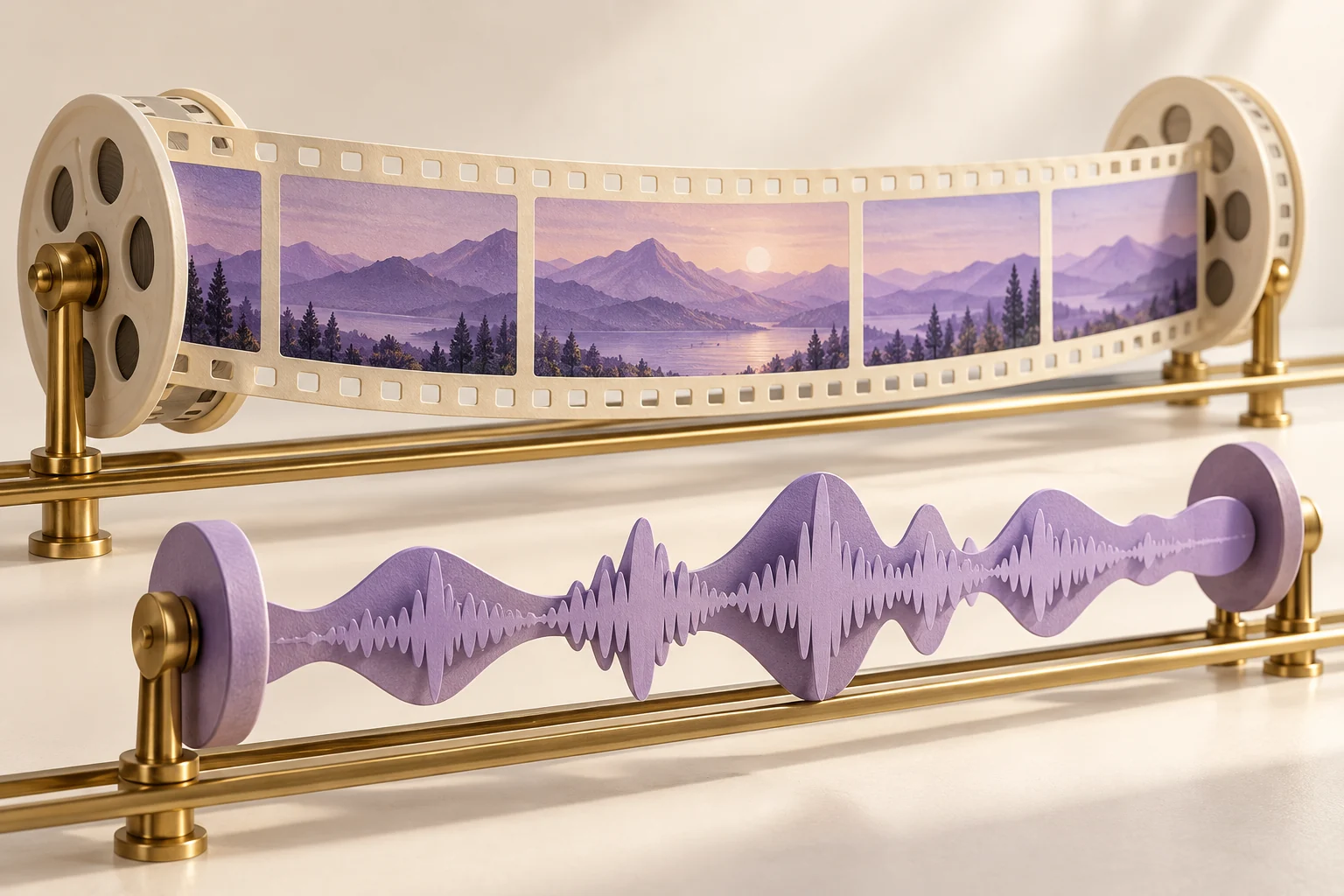
The separated-ribbon illustration is original conceptual artwork. It is not an actual extracted track, a voice-isolation comparison or a working MOVO file tool. Judge the real audio file by its contents and intended use.
Frequently Asked Questions
Does this MOVO entry extract audio from a file?
No. It starts an original supporting-scene brief.
Does extraction automatically isolate a voice?
No. The soundtrack may still contain music, effects and background sound.
What should I check before selecting a passage?
The exact source version and the surrounding meaning of the excerpt.
Should cleanup be reviewed separately?
Yes. Compare its effect on the voice and other sounds with the extracted source.
What matters when reusing the audio with picture?
The intended content, format, cuts and actual synchronization in the final project.
Is the ribbon image a real extracted waveform?
No. It is original conceptual artwork.