Start With the Source File You Can Use
A YouTube to GIF workflow turns a short video passage into a repeating visual asset. Begin with your own source recording or footage you are authorized to convert. A public video URL does not by itself establish permission or a supported file-import route.
The VEED YouTube to GIF page describes uploading the original video file, selecting a passage, adjusting the crop and exporting as GIF. That is a dedicated conversion workflow rather than a reason to assume every online video can be fetched automatically.
MOVO's composer starts an original loop-scene brief. It does not retrieve a YouTube link, download remote footage or convert a file to GIF. Keep source access and the actual conversion in appropriate tools while planning new visual material separately.
Choose a Moment That Works Without Sound
Select one action the viewer can understand quickly. A small object turning, a wave reaching a shore or a sailboat passing a marker may work better than a dialogue passage that depends on several spoken sentences.
Review the proposed excerpt with sound muted. Check whether its meaning remains clear and whether important context is missing. If explanatory text is necessary, keep it short and add exact wording in finishing controls where readability can be checked.
Avoid using a cut that changes the meaning of a real person's gesture or statement. A repeating reaction can imply a different attitude when removed from its source. Preserve enough context for the intended use and choose a different moment if the excerpt becomes misleading.
Find a Loop Boundary That Feels Intentional
Compare the end of the excerpt with its beginning. A visible jump may be acceptable for a deliberate reaction, but a quiet background loop often needs a more compatible transition. Decide which behavior suits the purpose before refining the cut.
Inspect the subject position and camera movement at the boundary. Similar colors alone do not make two frames connect naturally if the subject changes direction abruptly. Test several repetitions rather than watching only the first pass.
For an original scene in MOVO, describe repeatable action and a restrained camera. Specify the intended start and end relationship. A loop-oriented brief is useful direction, but it does not guarantee that the generated clip's boundary will be seamless.
Balance Size and Visual Detail in the Converter
Choose the dimensions and export settings for the intended placement. Fine texture and rapid movement can be harder to preserve in a small animated asset. Judge the result at the size people will see rather than only in a large editing preview.
Inspect gradients, small details and any text in the saved GIF. If the output looks rough or becomes impractical for the destination, adjust the passage, dimensions or supported settings. Verify the actual file rather than inferring its quality from the source video's appearance.
Keep a clean video master as well as the GIF. Some destinations may handle a short video more appropriately, while others need the GIF itself. Check the real publishing route instead of assuming every platform treats both formats identically.
Review the Actual Repeating Asset
Open the saved GIF and watch several full cycles. Confirm the intended crop, first frame, pace and loop boundary. Make sure an old title, unwanted edge or blank segment has not survived the conversion.
If the asset accompanies a page or message, inspect it in that placement. Check whether its motion competes with nearby information. A clear standalone loop can still be distracting when it repeats beside a long text passage.
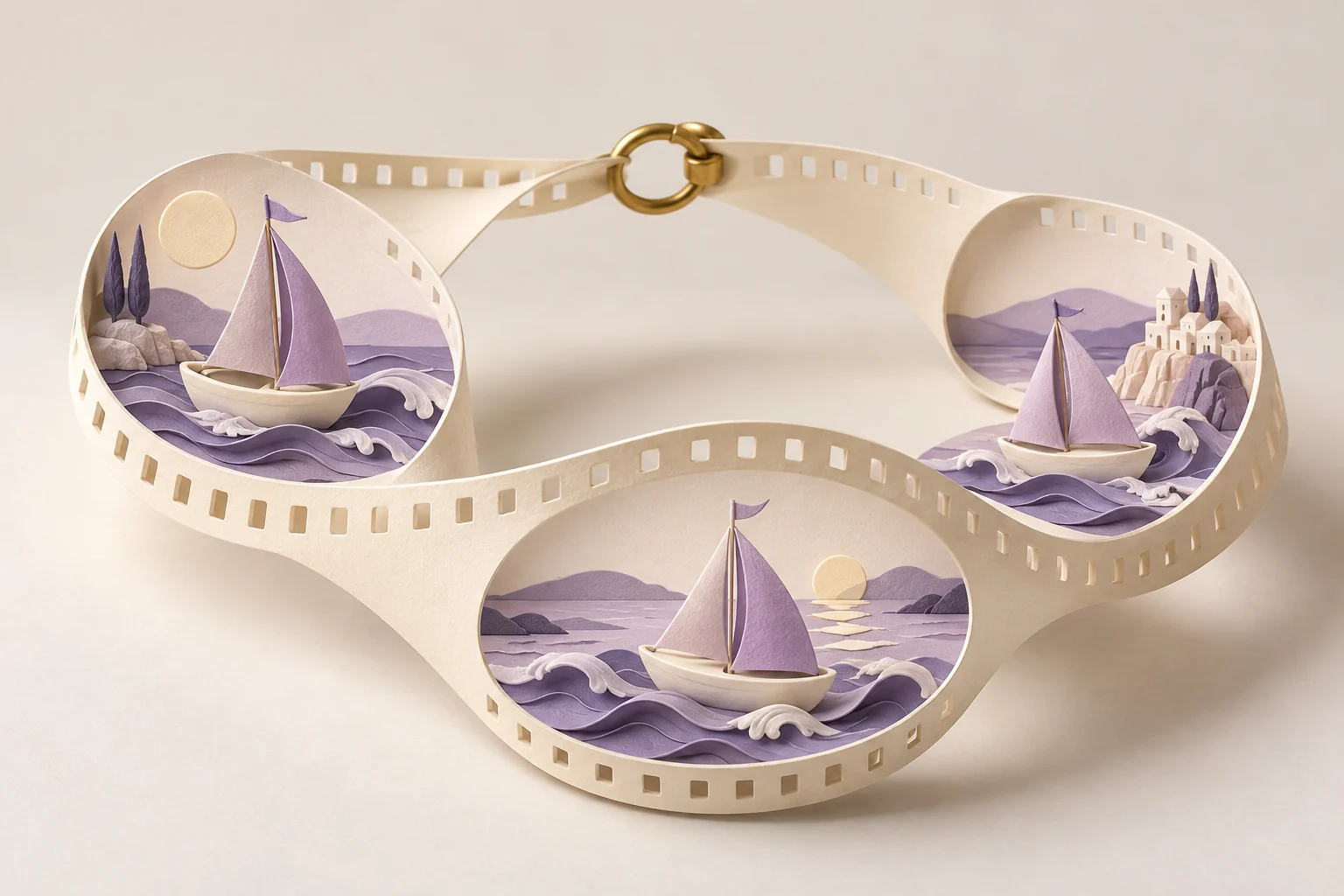
The sailboat ribbon image is original conceptual artwork. It is not a converted YouTube clip or a working GIF export demonstration. No remote download, account connection or automatic publishing operation is established by the MOVO entry.
Frequently Asked Questions
Does this MOVO entry convert a YouTube URL?
No. It starts an original loop-scene brief without fetching remote video.
What source does the reference workflow describe?
An original video file uploaded to a dedicated editor.
Should the chosen moment work without audio?
Yes. Check that its visual meaning remains clear when muted.
How do I check the loop boundary?
Watch several repetitions and compare subject position, movement and camera at the join.
Why keep a video master too?
It preserves a separate working source and may suit a different delivery route.
Is the sailboat image an exported GIF?
No. It is original conceptual artwork.