Choose the Job for Your Animated Text
An animated text generator can turn a short statement into a moving title, opening card or announcement. Start with the words the viewer must understand. Motion should establish emphasis and reading order rather than make every letter compete for attention.
The Renderforest animated text page describes typography templates, scene selection and customization. Use a dedicated tool for exact wording, font choices and timing. Template availability and export options belong to that provider.
The composer on this page starts an original scene brief in MOVO. It does not open a typography timeline or apply a text animation. Use it to develop supporting visual material while keeping precise lettering in suitable finishing controls.
Write a Message That Survives Movement
Draft the complete statement before choosing an effect. Separate a main message from any necessary follow-up information. A launch date needs different treatment from an expressive one-word title because the audience must read and remember exact details.
Read the wording aloud and remove unnecessary words. Decide which phrase arrives first and what remains on screen at the end. If a date, price or condition matters, give it enough time to be understood instead of hiding it inside a decorative transition.
Keep an approved text copy outside the animation project. Compare spelling, capitalization and punctuation against that copy after export. Attractive motion cannot compensate for an incorrect product name or a final card that disappears too quickly.
Give the Animation a Clear Rhythm
Use arrival, reading and departure as separate moments. The audience should have a settled interval in which the complete thought is visible. Avoid stacking several transitions so the words never stop moving together.
Choose movement that suits the message. A measured reveal can support a considered announcement, while a quick entrance may fit a playful title. The useful test is whether the viewer understands the phrase, not whether every available effect appears.
Preview against the actual background. A fine outline can vanish over detailed footage, and a shadow may become distracting over a bright scene. Adjust contrast and placement in the typography editor rather than relying on a still preview alone.
Build a Background That Leaves Room to Read
For an original supporting scene, identify the intended title area in the brief. Describe a simple environment, restrained movement and a clear focal point away from the words. Keep busy textures and important faces outside that area.
A lavender horizon with a slow camera move could support a quiet opening. A sculptural object might provide a more energetic reveal. These are visual directions, not a promise that generated footage will preserve exact written lettering.
Review the background throughout its motion before compositing text. An initially empty region may fill with an object later. Make any precise safe-area and typography adjustments in the finishing project where the final frame can be inspected.
Review the Finished Title in Context
Watch the title inside the complete video with sound and again without it. Check reading time, pacing and how the next shot begins. A title that works alone may interrupt a fast introduction when placed in sequence.
Inspect the saved file at the actual viewing size. Confirm edges, contrast and the last frame. Keep an editable project and a clean background version so changing a date or translating the message does not require rebuilding everything.
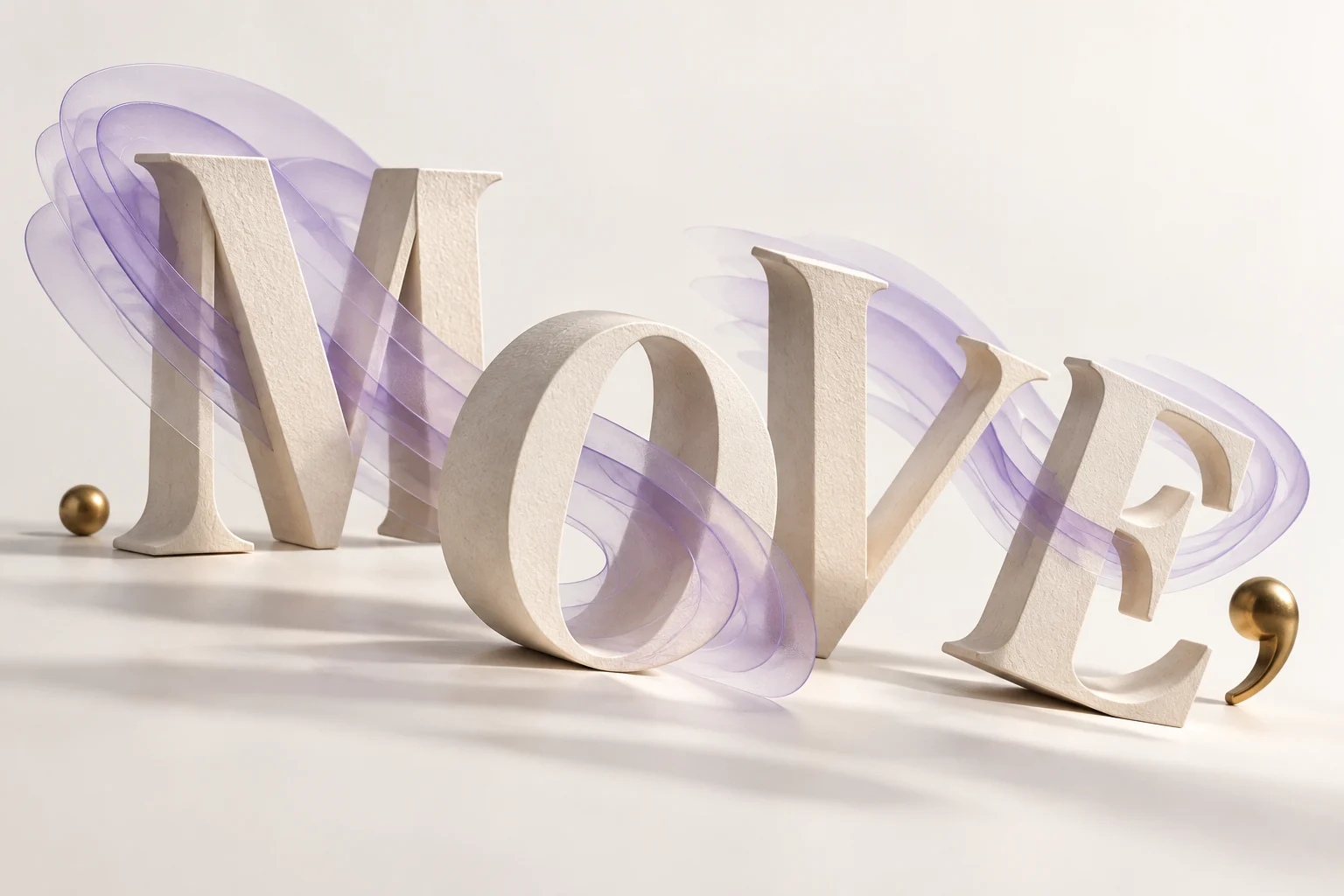
The sculptural lettering shown here is original conceptual artwork. It illustrates motion and emphasis; it is not a screenshot, an editable template or a demonstration of a MOVO animated-text feature.
Frequently Asked Questions
Does MOVO animate exact text through this entry?
No. This entry starts a background-scene brief. Use a dedicated editor for exact typography.
What should I decide before choosing an animation?
The approved message, reading order and time the complete phrase needs to remain visible.
Can generated footage preserve a written title exactly?
Do not assume that. Add and check exact lettering in finishing controls.
Why leave an empty region in the scene?
It gives the title space without covering important action or competing details.
Should every word use a different effect?
Use effects only when they improve emphasis and reading order.
Is the MOVE artwork a working text template?
No. It is an original conceptual illustration.