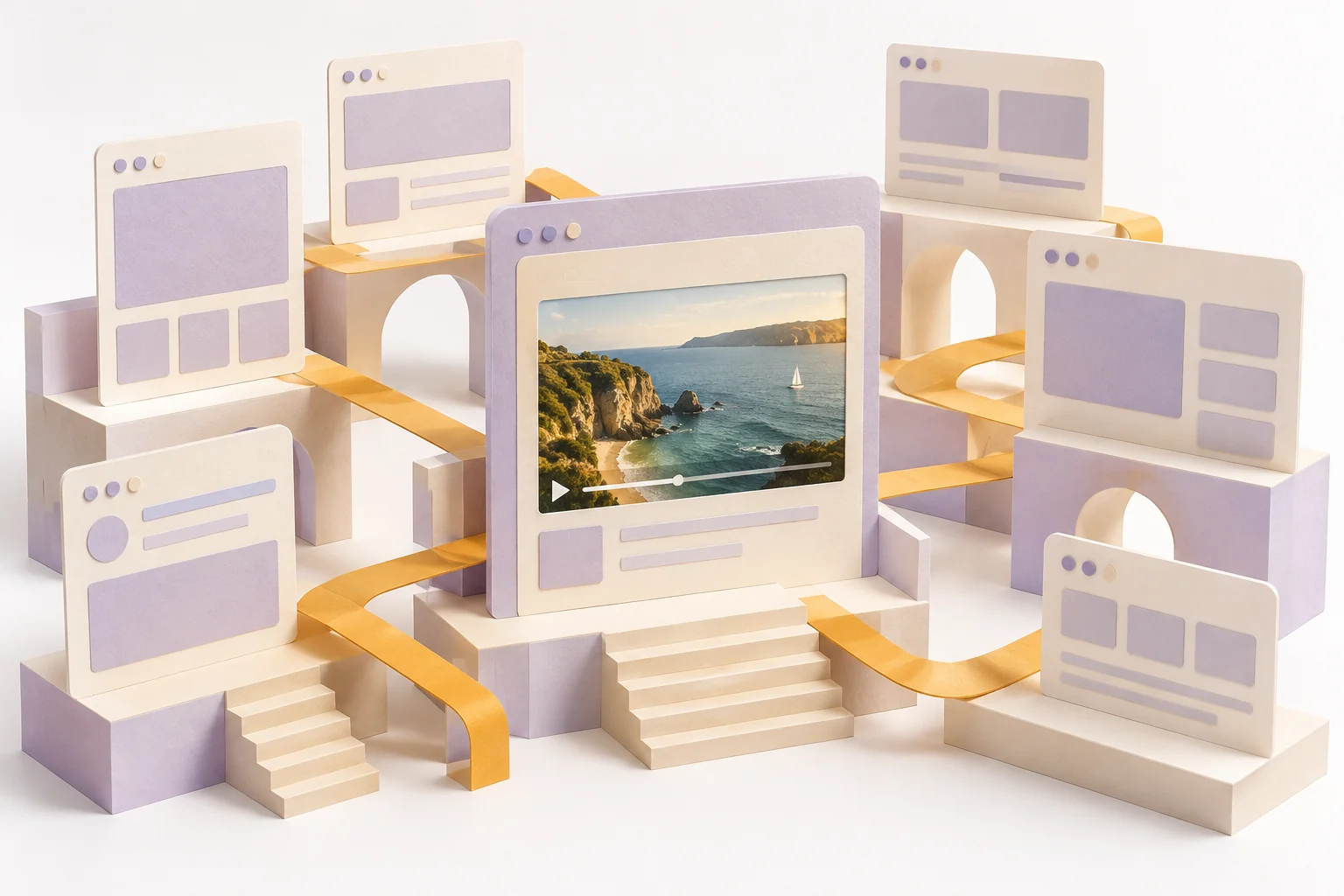
What Does an AI Website Builder Do?
An AI website builder helps develop website pages from a business or content brief. Depending on the service, it may offer page editing, hosting and publication controls. These functions are separate from generating original video material for the page.
Begin with the visitor's purpose. A portfolio, an event page and a product landing page need different information and actions. A generated layout is useful only when the content explains what the visitor came to understand.
The entry above starts a website-video brief in MOVO AI. It does not build, host or publish a website, connect a domain or create a form. Use an appropriate website tool for those tasks and use MOVO for the original video workflow.
Write the Page Brief Before Choosing Visuals
Identify the audience, central message and next step. Write the essential information in plain language before adding decorative media. A visitor should be able to understand the page even if a video does not play.
List the necessary pages and the role of each. Avoid asking one landing page to contain every company detail. Keep practical information such as contact methods, product descriptions and event logistics accurate and easy to locate.
Prepare approved brand assets and source text. An AI-assisted draft still needs proofreading and factual review. Keep claims about your product grounded in what it actually provides rather than copying a competitor's template language.
Choose Where Video Adds Useful Information
A product demonstration can clarify an action; a short story can establish atmosphere; an explainer can make a complex idea easier to follow. Choose the role before deciding on visual effects or background motion.
Keep essential information in readable page text as well. A background scene should not carry the only explanation of a price, address or important condition. Provide appropriate alternatives and captions when speech carries meaning.
Plan the surrounding layout with your website editor. Check how the poster, player and controls appear on a phone. A video that looks good in a wide desktop section can be awkward when cropped into a narrow card.
Create an Original Website Video Brief
In MOVO, describe the page audience and the video's job. Define original subjects, actions and the intended visual tone. A focused product or story sequence is easier to review than a broad request for impressive promotional footage.
For an original coastal workshop page, the video might show a handmade object being prepared, a detail of its materials and a calm final presentation. Each scene contributes information while sharing a deliberate palette and light direction.
Use authorized reference assets and check the generated results against the actual product where accuracy matters. Keep exact logos, labels and factual captions under precise finishing controls rather than assuming generated lettering will be correct.
Use a Website Builder for the Site Itself
Renderforest's AI website builder page describes its own website editing and publication product. Confirm current domain, hosting, form and plan conditions directly. Those capabilities are not established MOVO features.
Before publication, test the site in the actual builder or hosting workflow. Check navigation, forms, links and mobile layout. A generated preview alone does not prove that a domain, submission destination or media path works in production.
Treat video delivery as part of that site implementation. Use the host's supported media method, a useful poster and an appropriate file size. Keep an approved master outside the delivery copy so future versions do not depend on repeated compression.
Review the Site and Video Together
Check the page with the video stopped, playing and unavailable. The message and main action should remain understandable. Make sure motion does not compete with essential reading or cover interactive controls.
Watch the final media on the actual page at desktop and phone sizes. Inspect crop, captions, sound controls and the transition back to the page's next step. Verify the real saved file rather than only a creative preview.
Keep ownership and update notes for both the site and video. When a product claim or event detail changes, review the page text, captions and media together so visitors do not receive contradictory information.
Frequently Asked Questions
Does MOVO build or host websites here?
No. Use a dedicated website tool for pages, domains and hosting. MOVO starts an original video brief.
How can video support an AI-built website?
Use it to clarify a product action, explain an idea or establish a relevant story while keeping essential information in page text.
Should a background video contain all the important copy?
No. Keep essential wording readable on the page and use exact text controls for media labels.
Can I assume generated product details are accurate?
No. Compare the visuals with approved references and the real product where accuracy matters.
What should I check before publication?
Actual links, forms, navigation, mobile layout and video playback in the selected hosting workflow.
Are website-builder functions integrated with MOVO?
No integration or shared project state is claimed. Handle site building and original video production as separate supported workflows.