Treat Automatic Subtitles as a Starting Draft
An AI subtitle generator converts speech into timed text. It can provide a useful starting point, but the output still needs review against the actual audio. Names, accents, overlapping voices and specialized terms can affect what the system writes.
The invideo AI subtitle page describes transcription and subtitle styling for existing or generated video. Use its current interface to confirm the input route and export options needed for your project.
The MOVO composer starts an original visual story brief. It does not transcribe an uploaded recording, generate a timed subtitle file or apply captions to the finished video. Use a dedicated caption workflow for exact words and timing after the media is ready.
Prepare the Audio and Vocabulary for Review
Use the actual video version that will be delivered, with its intended dialogue edit. If the spoken sequence changes after captions are made, the transcript and timings may no longer match. Keep the media version identifiable throughout the caption process.
Prepare an approved list of names, product terms and abbreviations before proofreading. Listen to uncertain words rather than accepting a plausible spelling from context. Where speech is unclear, resolve it from the source instead of inventing words to fill a gap.
Check numbers and qualifiers particularly carefully. A missing negative or an incorrect amount can change the meaning of the sentence. The goal is faithful communication, not simply a polished-looking text layer with no obvious spelling errors.
Make the Timed Text Readable
Review when each caption appears and disappears. It should follow the speech closely enough to be useful while leaving enough time to read the phrase. A correct transcript can still be uncomfortable if words flash too briefly.
Break text at natural phrase boundaries. Avoid forcing the viewer to hold an incomplete idea across several rapid changes. Check longer lines at the actual video size rather than judging readability in a large editing panel.
Keep the style consistent and the contrast sufficient over changing footage. Animated emphasis should support meaning rather than distract from it. If a caption covers a face, important gesture or on-screen label, adjust its position or the composition in finishing controls.
Distinguish Captions From Translation and Rewriting
A same-language transcript, an accessibility caption track and translated subtitles serve different needs. Decide which deliverable the audience requires. Accessibility captions may need relevant speaker or non-speech sound information in addition to spoken words.
If the text is translated, have its meaning and timing reviewed for the target audience. A concise translation can read naturally without mirroring every source-language word, but it must preserve the message and important conditions.
Do not silently rewrite a speaker's claim into something stronger. Keep editorial corrections and approved script changes separate from faithful transcription. If the underlying dialogue needs revision, update the source and then regenerate or retime the captions as necessary.
Finish Subtitles After the Scene Edit Is Stable
Plan original scenes in MOVO around the topic and audience. Leave room for captions where appropriate, but check the actual motion before deciding final placement. An initially empty lower region may later contain important action.
Add exact captions in a suitable tool after the sequence is stable. Confirm the required delivery form, whether a rendered text layer or a compatible subtitle file. Inspect the saved deliverable in its intended player rather than assuming the editor preview proves the final result.
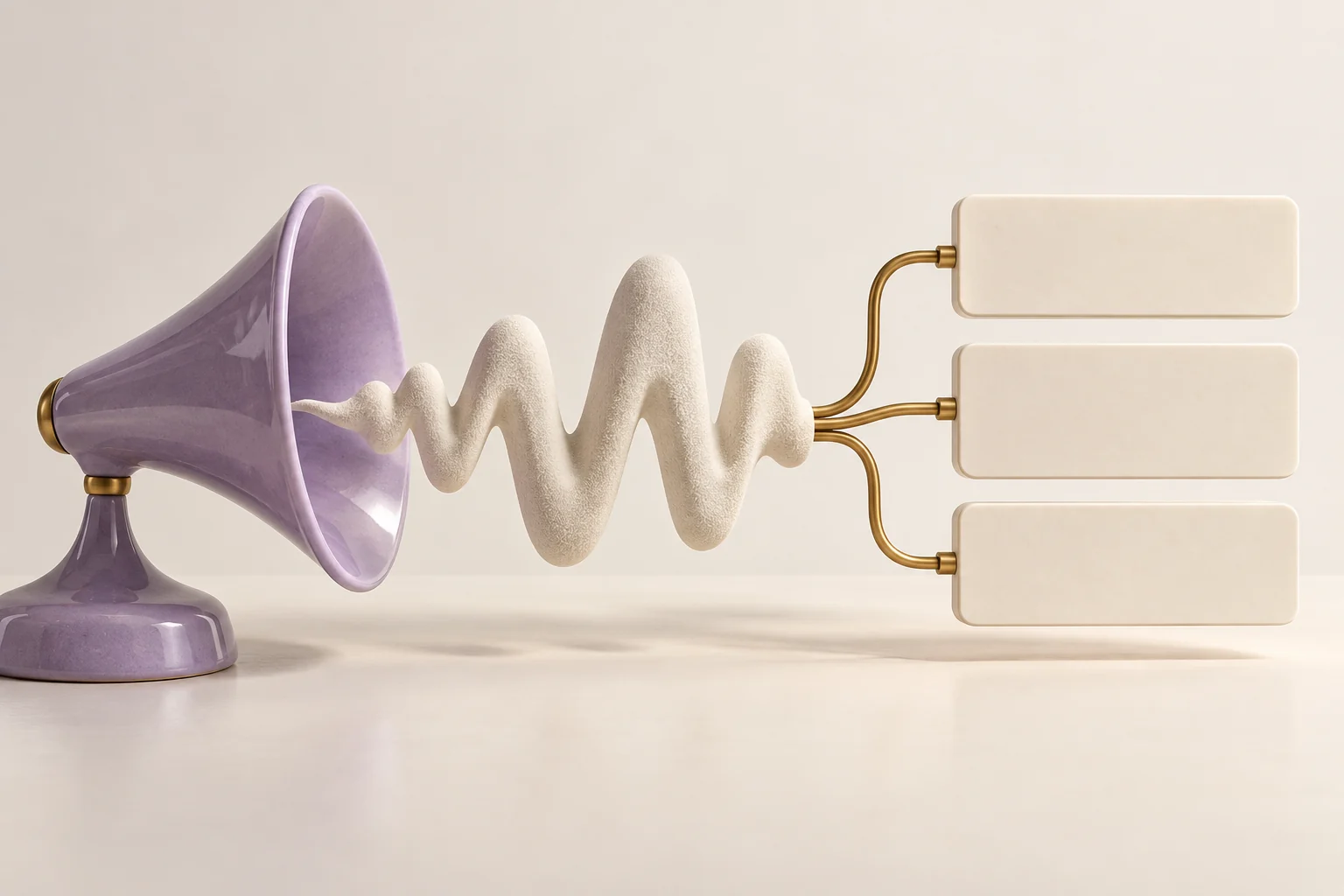
The horn-and-tiles image is original conceptual artwork. It does not show a measured transcription result, an accuracy benchmark or a MOVO subtitle interface. Automatic text remains a draft until its words, timing and presentation have been reviewed.
Frequently Asked Questions
Does this MOVO entry generate subtitles from audio?
No. It starts a visual story brief; use a dedicated caption tool for transcription.
Should AI subtitles be proofread?
Yes. Compare them with the audio, especially names, numbers and important qualifiers.
Can correct words still make poor subtitles?
Yes. Timing, line breaks, contrast and placement also affect readability.
Are subtitles and accessibility captions identical?
Their requirements can differ; accessibility captions may include meaningful sound and speaker information.
When should I finalize the captions?
After the scene and dialogue edit is stable, using the actual delivery version.
Does the artwork demonstrate transcription accuracy?
No. It is an original conceptual illustration.