Define the Purpose of an AI Face Swap
An AI face swap changes the facial identity represented in a target image or supported video. Before choosing a tool, decide whether you need identity replacement, an original fictional character or a change in lighting and expression. Those are different tasks with different review criteria.
For an authorized portrait concept, write down what should change and what should stay: the facial reference may change while pose, wardrobe and composition remain part of the target. A vague request to improve everything makes it harder to judge the result.
The MOVO input above develops an original character scene. It does not perform identity replacement or promise an exact likeness. Keep the specialized swap operation separate from the surrounding creative production.
Prepare Source and Target References
Label the identity reference and the intended target clearly. Use your own likeness or material you have permission to use for this purpose. A publicly visible portrait does not by itself establish permission to fabricate a new appearance or endorsement.
Choose a reference where the face is readable rather than hidden behind heavy shadows or a distant crop. Note glasses, facial hair, important features and the target angle. A difficult side view may require a different test than a straightforward front-facing portrait.
Keep the unchanged originals. Work from copies and record which source pair produced each candidate. If several people appear in a target, identify the intended subject before processing rather than assuming the tool will choose correctly.
Evaluate More Than a Familiar Face
Compare the result at a consistent viewing scale. Check the expression, eye direction, lighting and relationship between face and surrounding head. A recognizable identity can still look misplaced when the light or proportions disagree with the scene.
Inspect boundaries around hair, ears, eyewear and objects crossing the face. Watch for a texture change between face and neck or an expression that no longer suits the moment. Avoid judging the result only from a small thumbnail.
For moving material, review every part of the shot at normal speed and inspect difficult moments more closely. Temporal flicker and changing angles need their own evaluation. A photo workflow or successful still-image test is not proof of video support or quality.
Use the External Tool for Its Actual Operation
Invideo's AI face swap page describes an external source-face and target-image workflow. Check its current supported media and export conditions there. Its model choices and promotional preservation claims do not establish a MOVO feature.
Run a small representative test before designing the entire sequence around the operation. Choose an image containing the angle, expression or occlusion that matters most. Set acceptance criteria in advance so a striking image does not distract from the required identity and context.
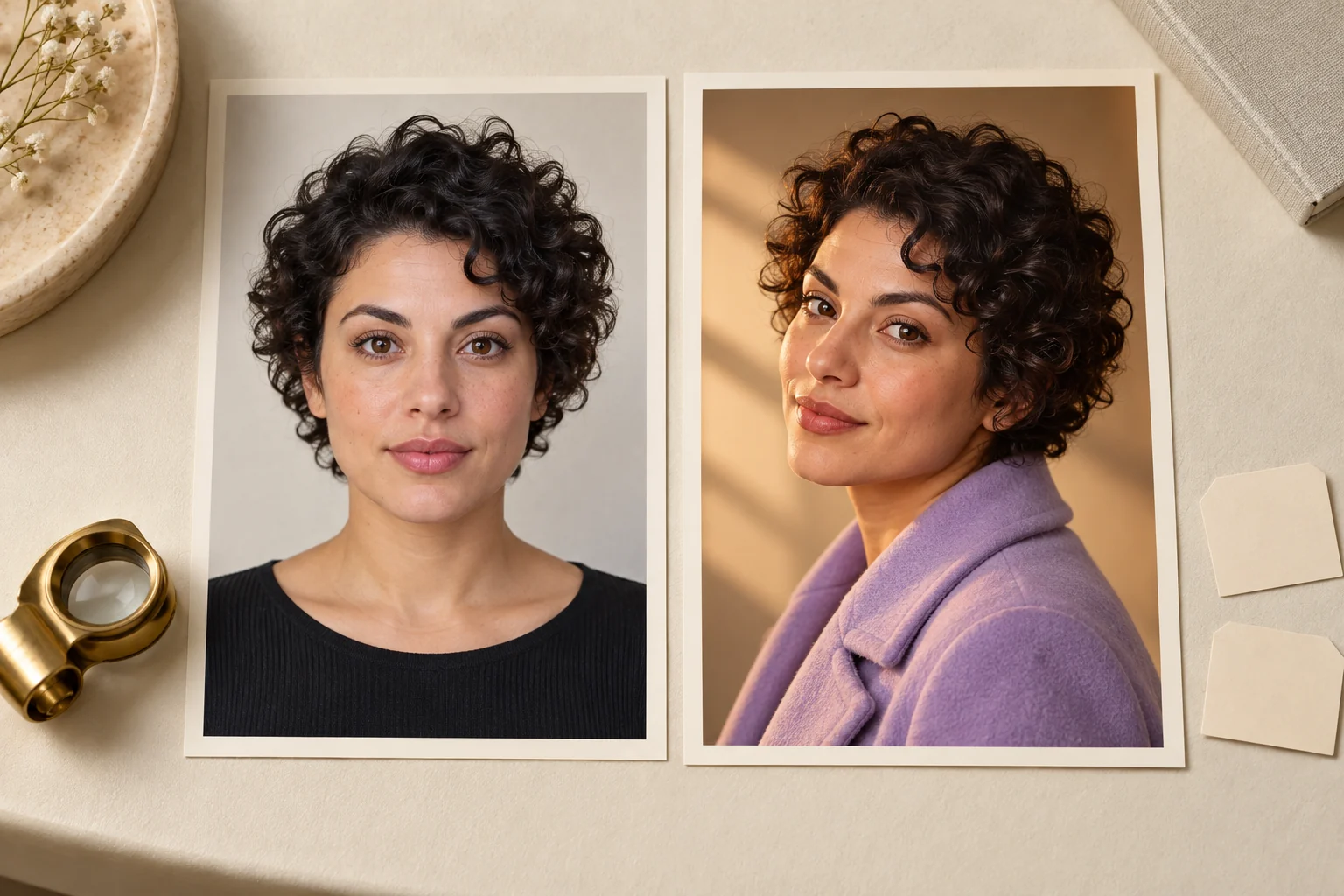
The portraits on this page depict an original fictional adult. They illustrate reference review and are not a before-and-after accuracy benchmark, a real person's identity or evidence that a particular engine preserved every detail.
Develop the Surrounding Story in MOVO
If a distinct fictional character serves the idea, describe that character directly rather than borrowing a recognizable person's appearance. Connect visual choices to the scene: occupation, costume, setting, action and the reason the character is present.
Use appropriate approved references in the MOVO workspace and keep the first scene focused. A clear action provides a useful test of whether the character and environment communicate the intended story. Review appearance across the full generated clip.
Character continuity is broader than a face. Compare clothing, props, posture and environmental relationships between accepted scenes. Do not treat a similar portrait as a guarantee that the complete moving sequence is ready.
Finish With a Context and Export Review
Check the final work for misleading context as well as visible artifacts. An authorized creative portrait can still communicate an unintended real-world claim when combined with a caption, brand or fabricated quote. Keep the presentation consistent with the approved purpose.
Add exact wording and graphics with suitable finishing controls. Retain the approved identity and target references alongside the accepted result so revisions can be traced to a particular source pair rather than repeatedly processing an old export.
Watch the saved delivery file at its intended display size. If the result fails the important angle or expression test, revise that part of the workflow instead of hiding the issue with a smaller preview or heavier compression.
Frequently Asked Questions
Does MOVO perform the swap in this input?
No. The input starts original character-scene planning, while identity replacement requires a suitable dedicated tool.
What is the source reference?
The approved image providing the intended facial identity; label it separately from the target scene.
Can a photo test prove video quality?
No. Video needs explicit tool support and review across movement, angles and occlusion.
What matters besides resemblance?
Expression, lighting, proportions, boundaries and the context in which the result appears.
Are the portraits a measured accuracy test?
No. They are original fictional editorial illustrations.
Can I make a character without a real-person likeness?
Yes. Describe an original fictional design and use appropriate references for the scene.