Define What the Dubbed Version Must Preserve
AI dubbing creates a new spoken version of a video or script, often in another language. Start by deciding what must remain unchanged: meaning, important terms, speaker intent and the relationship between words and visible action.
The Invideo dubbing page describes a provider workflow for changing a generated video's voiceover language. Check that service's actual source-input and voice options rather than assuming it processes every existing recording identically.
MOVO's entry above starts original visual planning. It does not establish standalone dubbing, voice cloning or lip synchronization. Use appropriate dedicated tools and qualified language review for the audio stage, then connect the approved message to the visuals.
Approve the Translation Before Producing Speech
Begin with an accurate source script or a checked transcript of the recording. Identify names, product terms, numbers and phrases whose meaning matters. An unclear source sentence should be resolved before it becomes a confident spoken translation.
Ask a suitable reviewer to assess the translated meaning and natural phrasing. A literal word-for-word version may be difficult to follow, while a smooth paraphrase may omit a necessary condition. Keep the intended audience and context visible during review.
Maintain a glossary for repeated terms. Decide how names and abbreviations should be pronounced and record those choices with the approved script. This helps separate a translation problem from a voice-generation problem when the first audio preview is checked.
Test a Representative Voice Passage
Choose a passage containing the difficult words, a natural pause and a sentence tied to a visible action. Listen to the actual result rather than accepting a voice based on a generic sample. The chosen delivery should fit the message and audience.
If a custom or cloned voice is involved, confirm the relevant permission and provider requirements. Choosing a similar-sounding narrator does not authorize impersonation. Keep the source of the voice and its intended use in your production notes.
Review pacing before generating the entire version. A translation can take a different amount of time from the original. Prefer editing the sentence or scene timing over rushing every word to match an arbitrary duration.
Check Meaning and Timing Against the Video
Watch the dubbed video with the approved translated script. Confirm that explanations occur with the correct visuals and that no important condition disappears during trimming. Inspect the beginning and ending of each spoken section.
Review lip synchronization separately if the project requires it. Natural speech alone does not prove matching mouth movement, and a plausible mouth movement does not prove correct words. Check the actual production path rather than inferring both from the term dubbing.
Compare captions to the final spoken version. Names, measurements and short negatives deserve particular attention. Keep music and effects quiet enough for the new voice to remain understandable in its final mix.
Create Supporting Scenes for the Localized Story
If the approved message needs new visual support, describe those original scenes in MOVO. State the topic, audience, visible action and cultural context without asking the tool to guess facts that belong in the translated script.
Use suitable finishing controls to assemble the voice and accepted visuals. Inspect the saved file in the intended language version and keep it clearly named so it cannot be confused with the original or another localization.
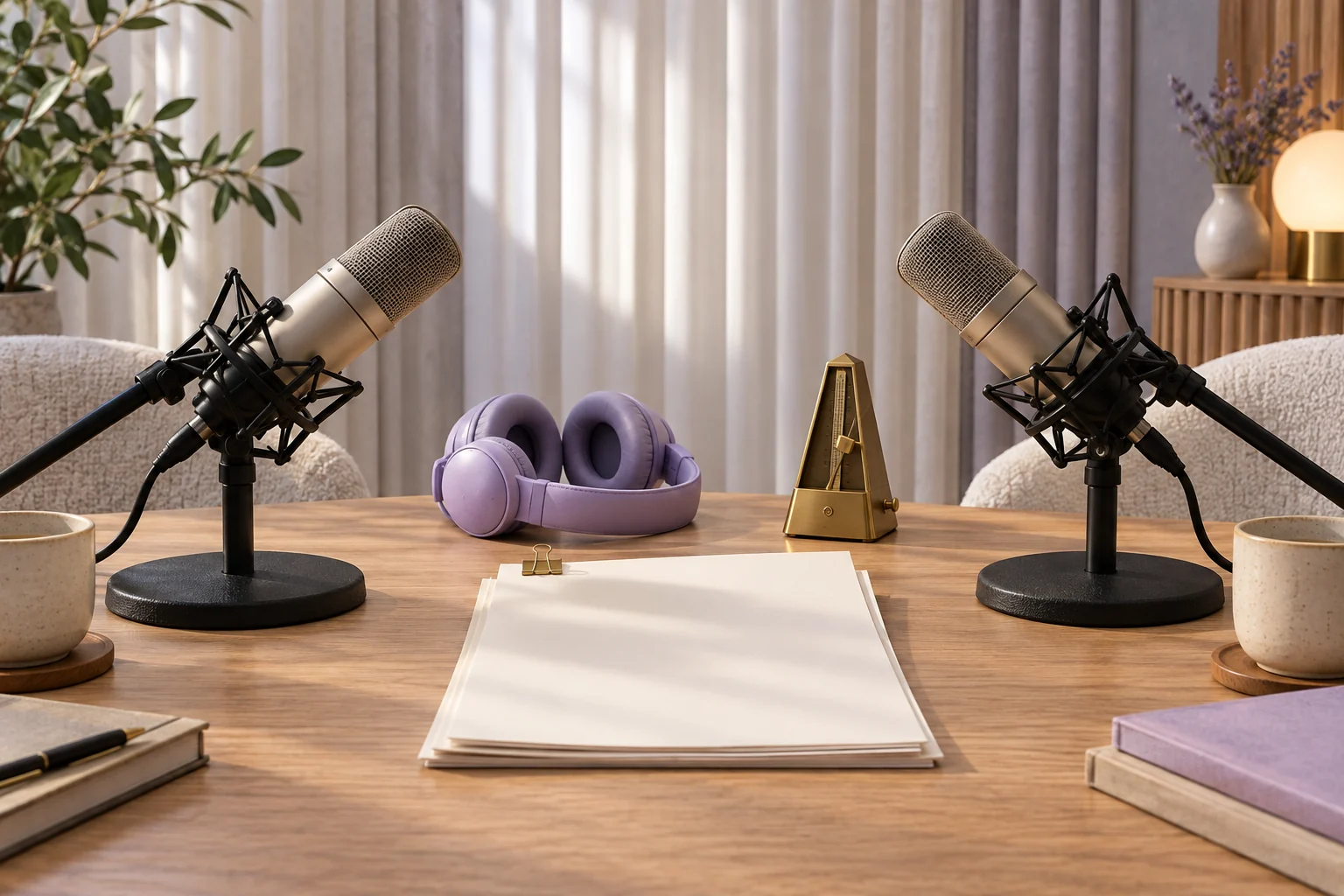
Retain the checked source, translated script, glossary, approved audio and final video. The two microphones shown here are conceptual artwork, not a tested multilingual dubbing interface or proof that any specific voice or language is available in MOVO.
Frequently Asked Questions
Does this MOVO entry dub an uploaded video?
No. It starts a visual brief; use dedicated tools for dubbing and synchronization.
What should be approved before generating speech?
The source meaning, translated script, key terms and pronunciation choices.
Does a natural voice prove the translation is right?
No. Review the language and meaning independently.
Does dubbing always include lip synchronization?
No. Verify that operation and its result separately.
How should I handle a longer translation?
Review phrasing and scene timing instead of simply rushing the whole recording.
What should I retain for future versions?
The source, approved translation, glossary, voice information, audio and final video.